
See clearly.
Move forward
with confidence.
Cameras that capture the detail. Recording that keeps the context. Build a Stanklin system around the places, people and operations that matter to your business.
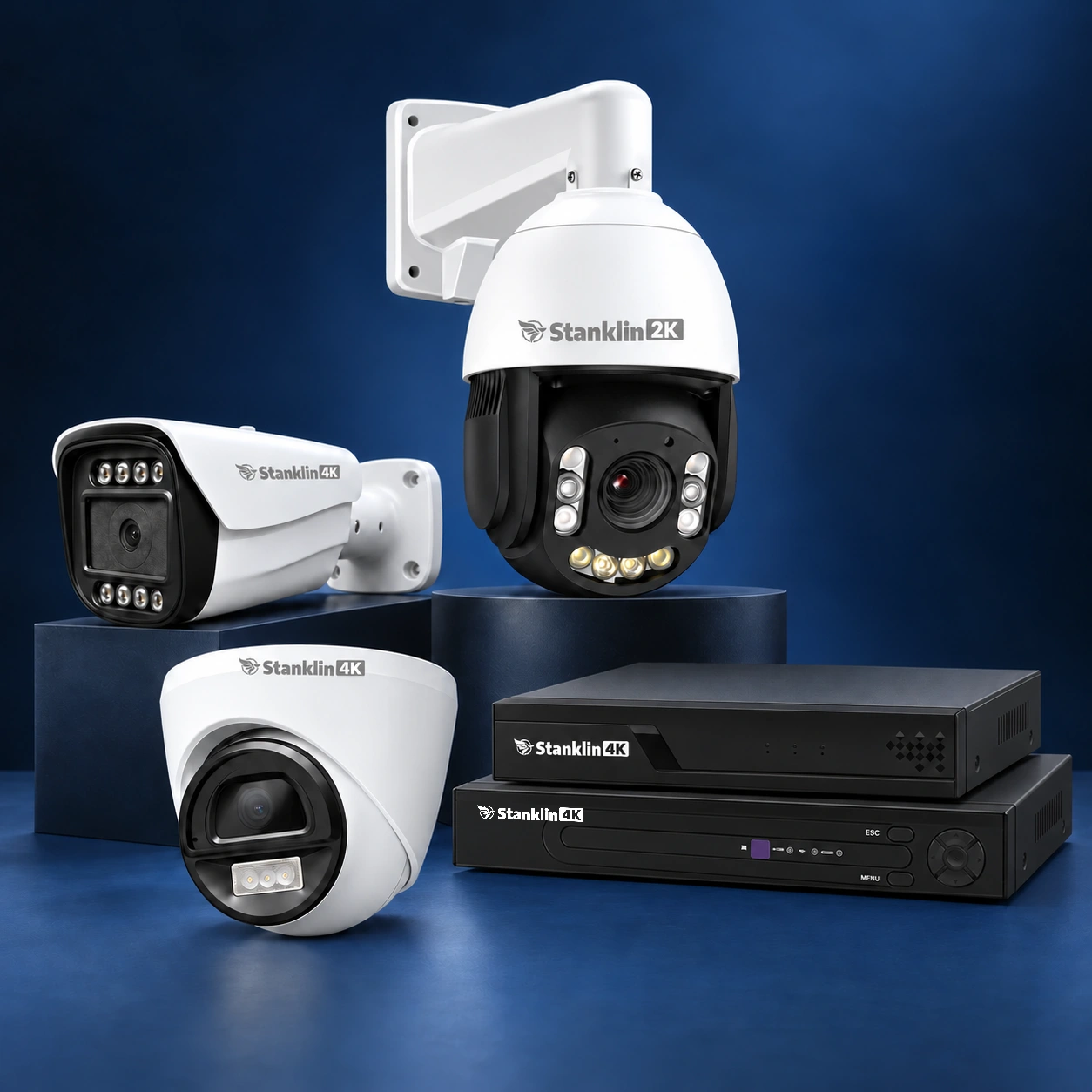
The right hardware. A connected system.
Explore cameras, recorders and the equipment that brings an installation together.
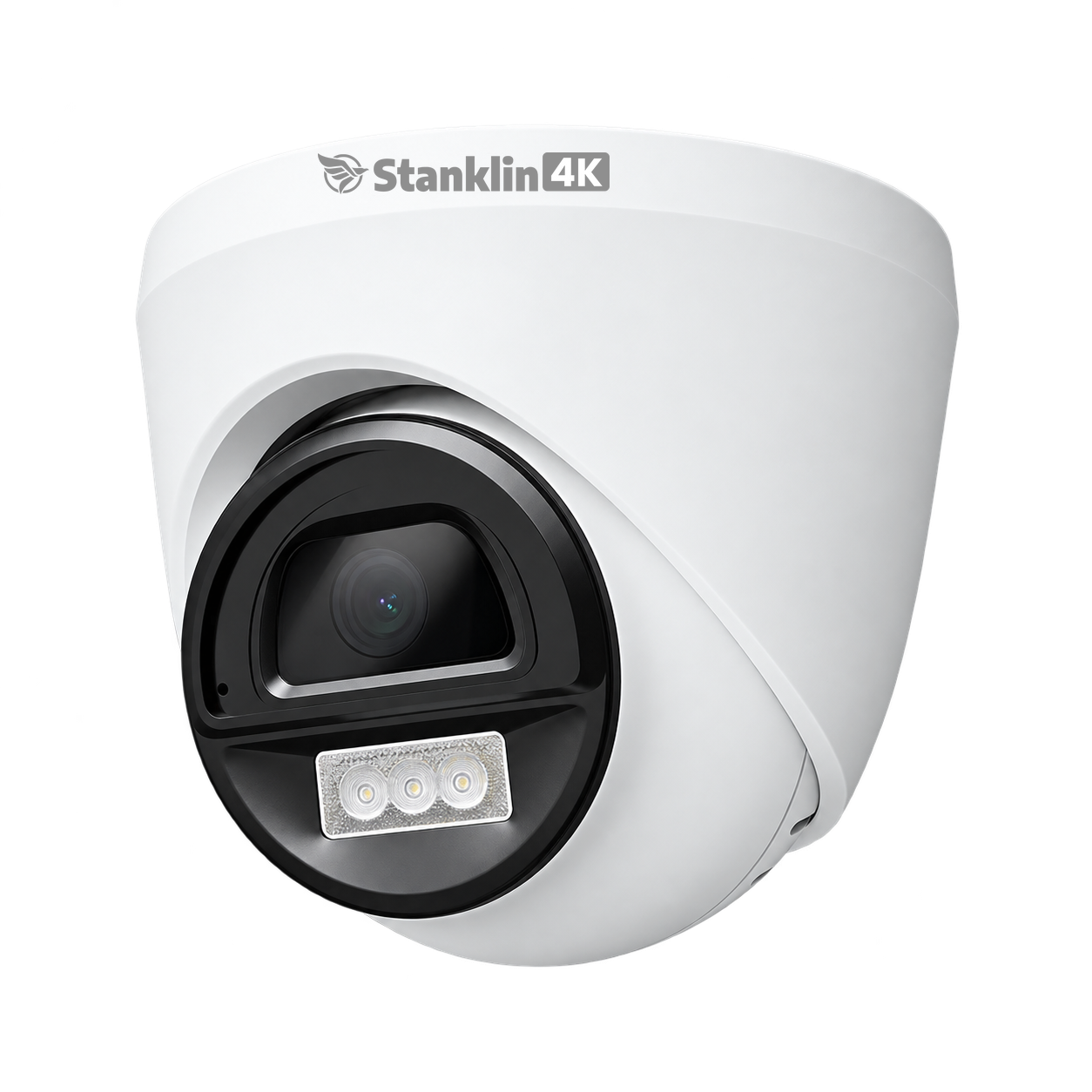
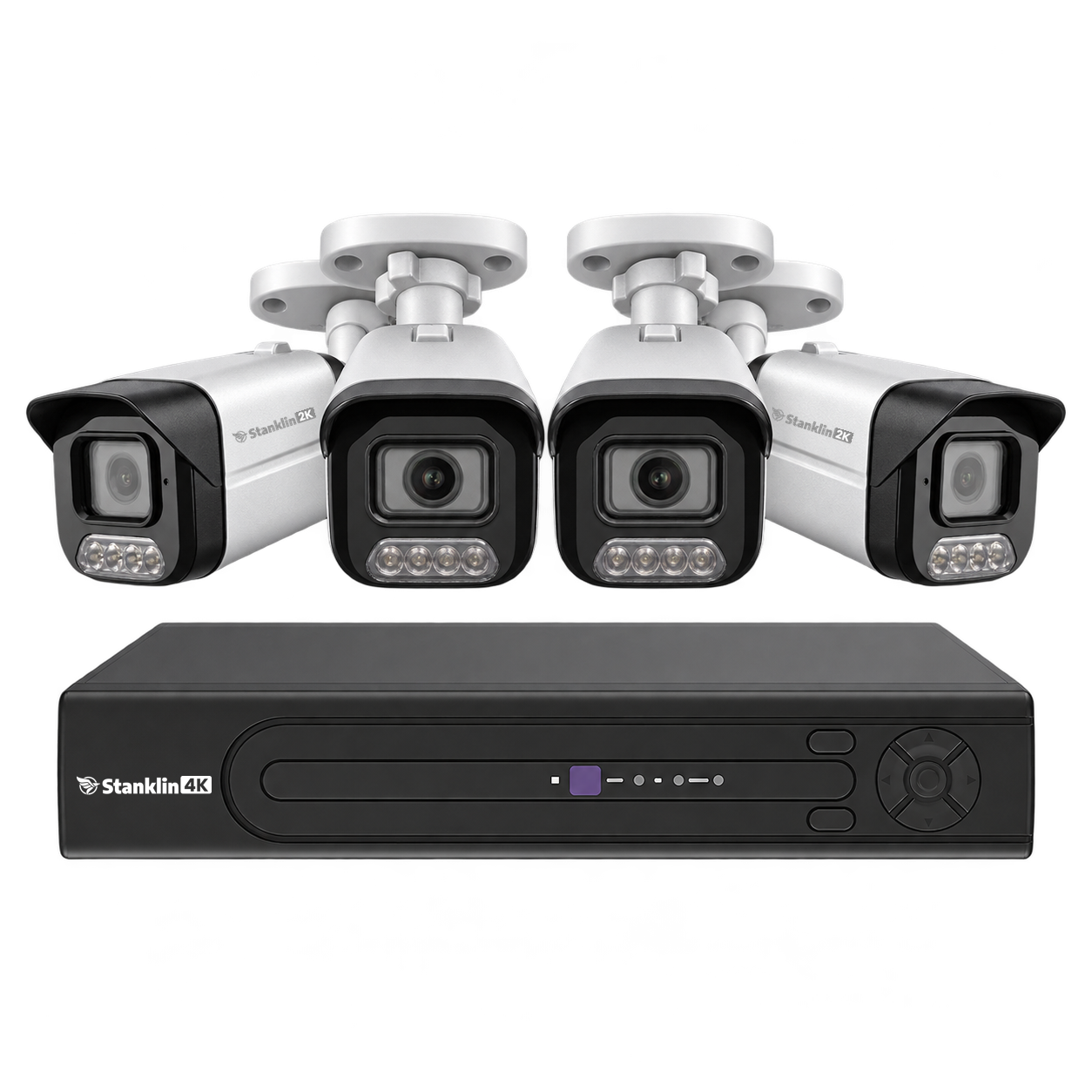
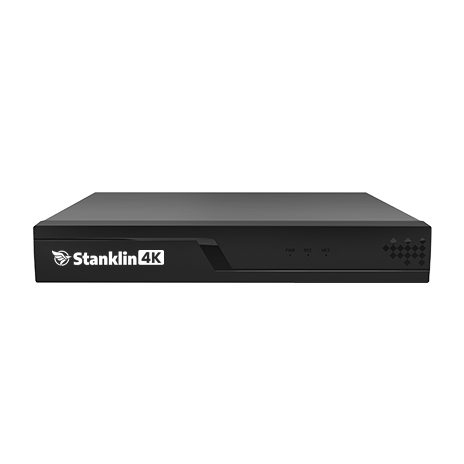
Security for every sector.
Start with the way your facility works. Explore coverage ideas for your environment.
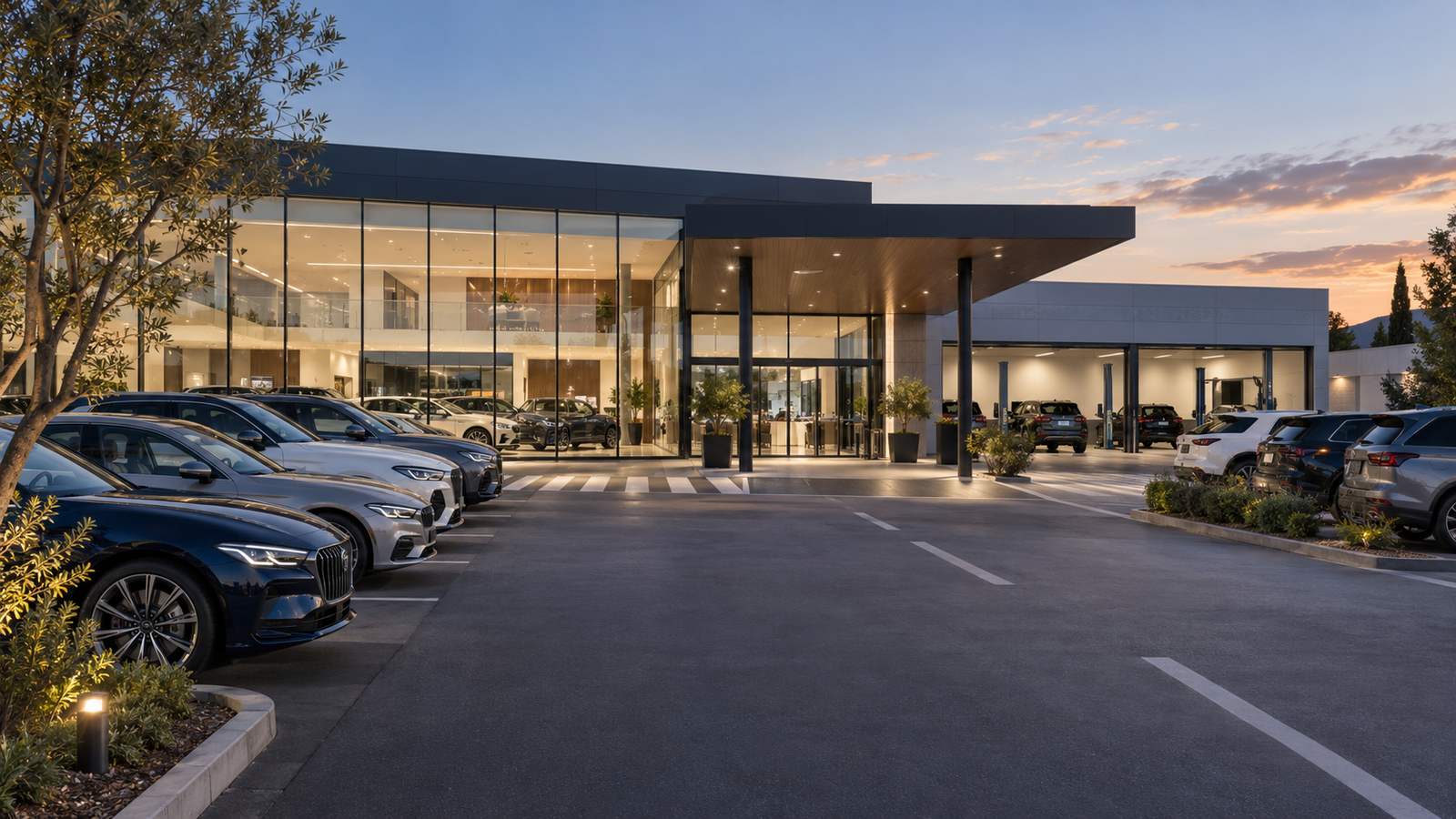
Automotive→
Follow arrivals, protect vehicle stock and review service-bay activity.
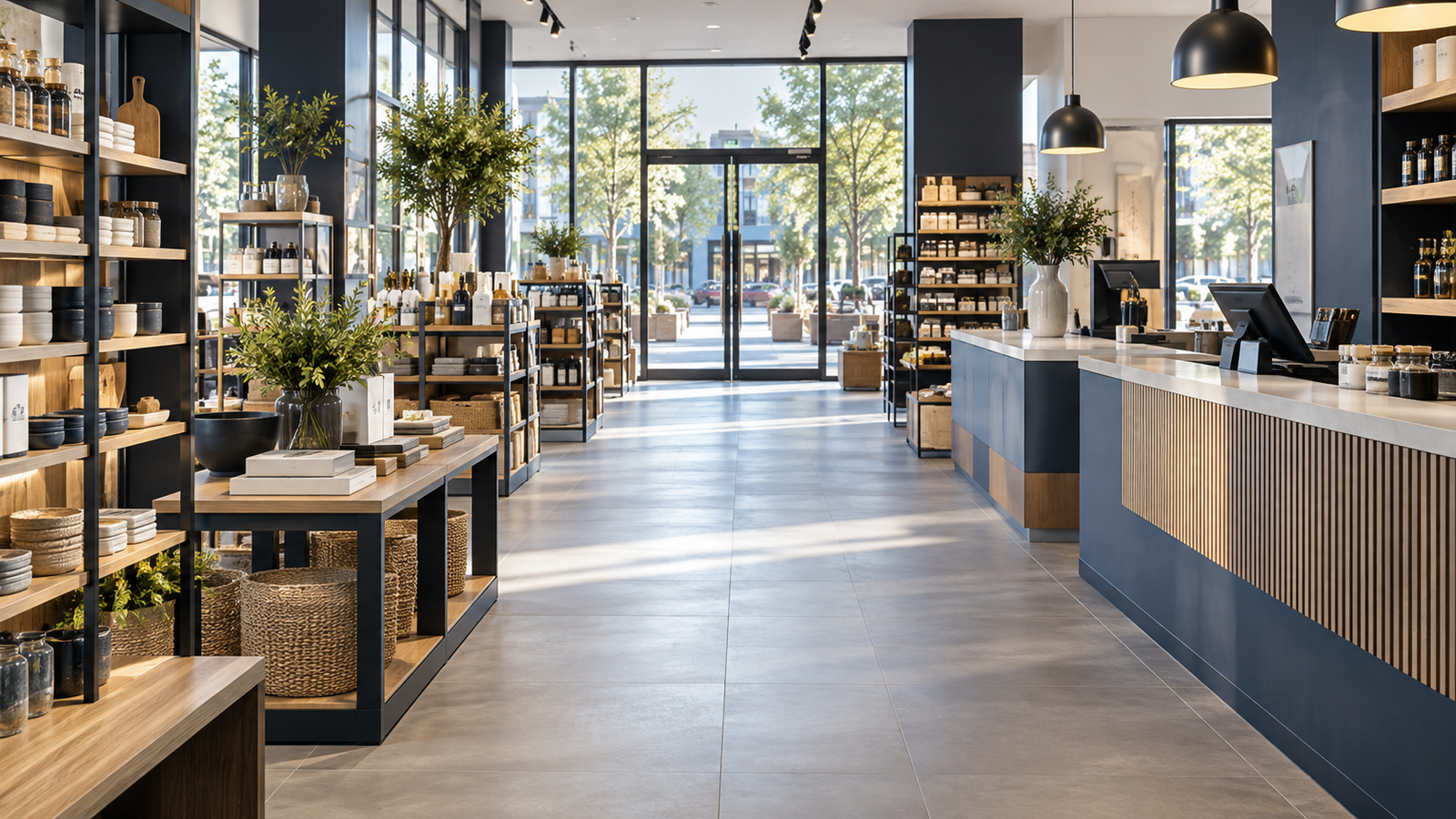
Retail→
Connect entrance, checkout and stockroom views for everyday oversight.

Manufacturing→
Keep production approaches, loading areas and storage in view.
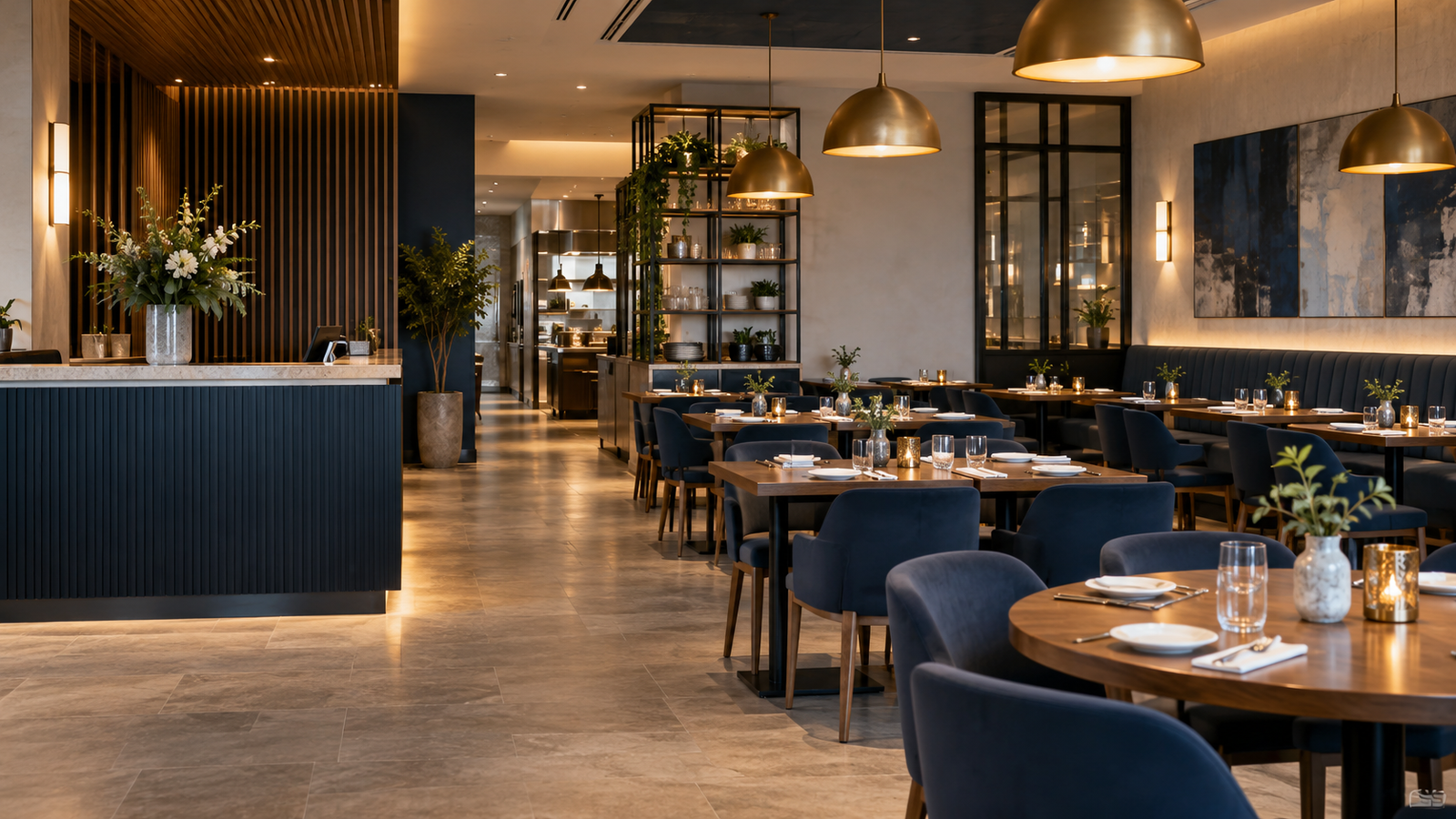
Restaurant→
Review entrances, service areas and deliveries with less guesswork.
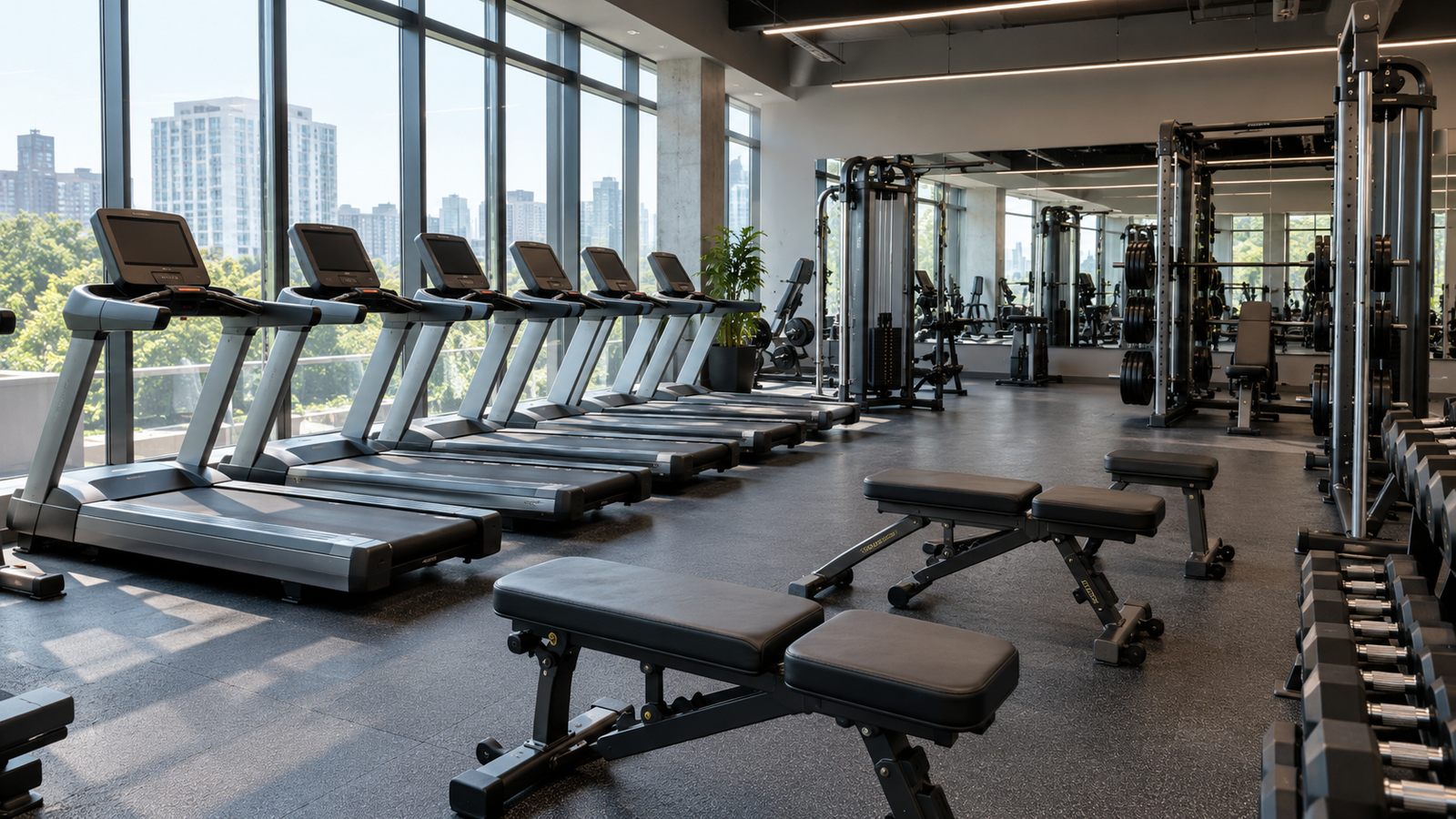
Health & Fitness→
Support reception and shared training areas with considered coverage.
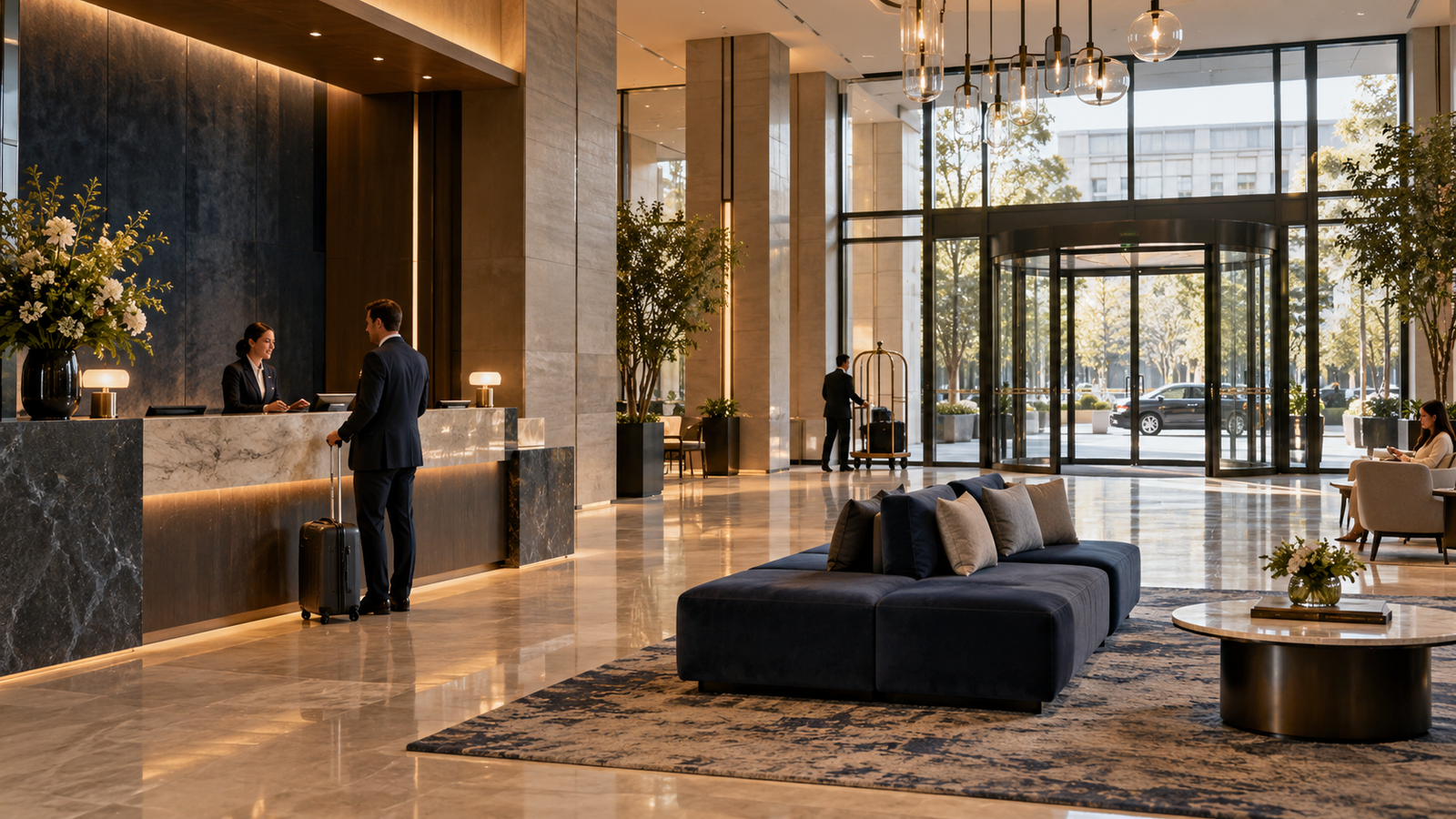
Hotel→
Link lobby, public-corridor and service-entrance views.

Construction→
Keep gates, materials and equipment visible as the site develops.
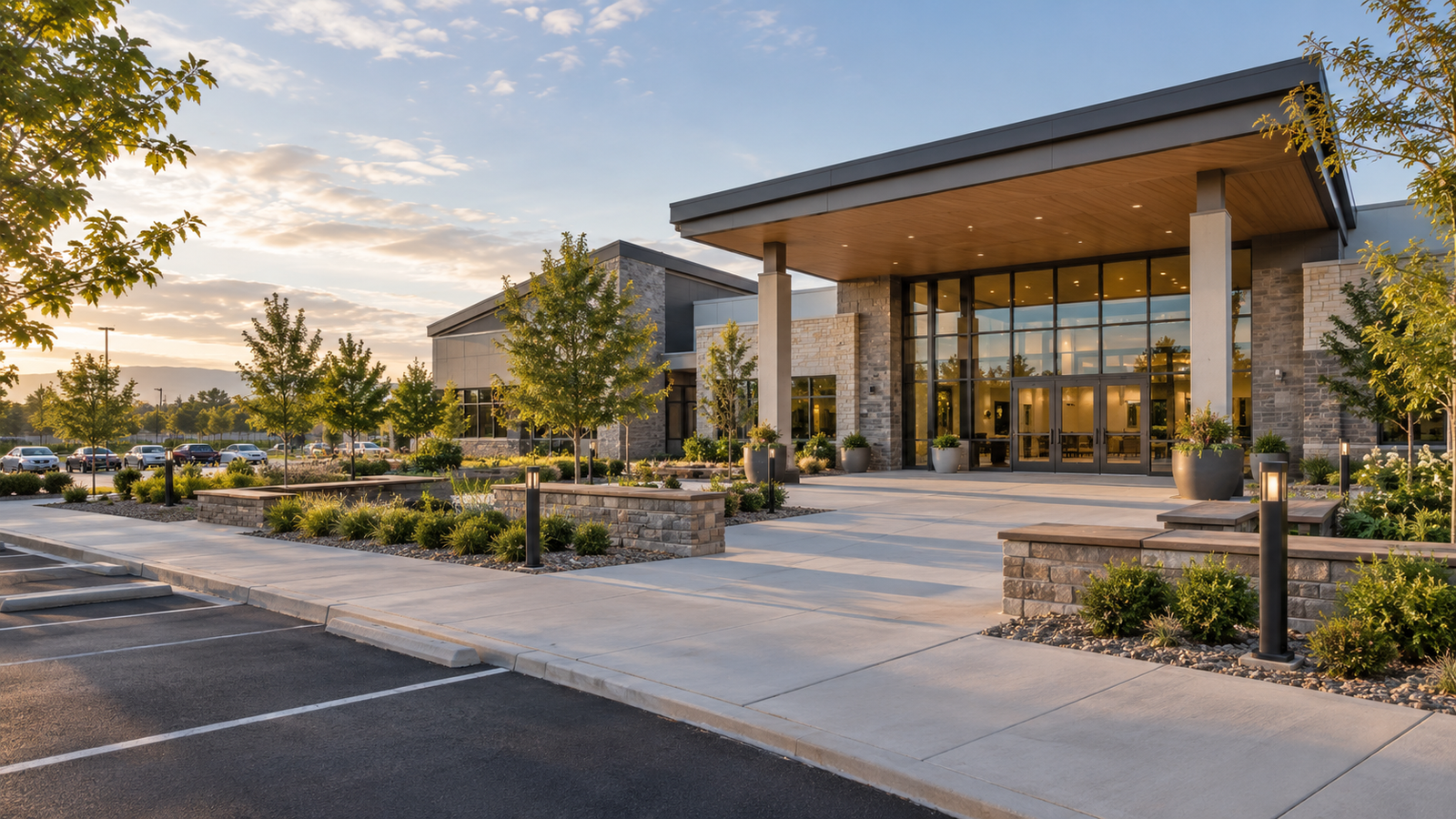
Faith→
Watch shared spaces, arrival routes and community facilities.
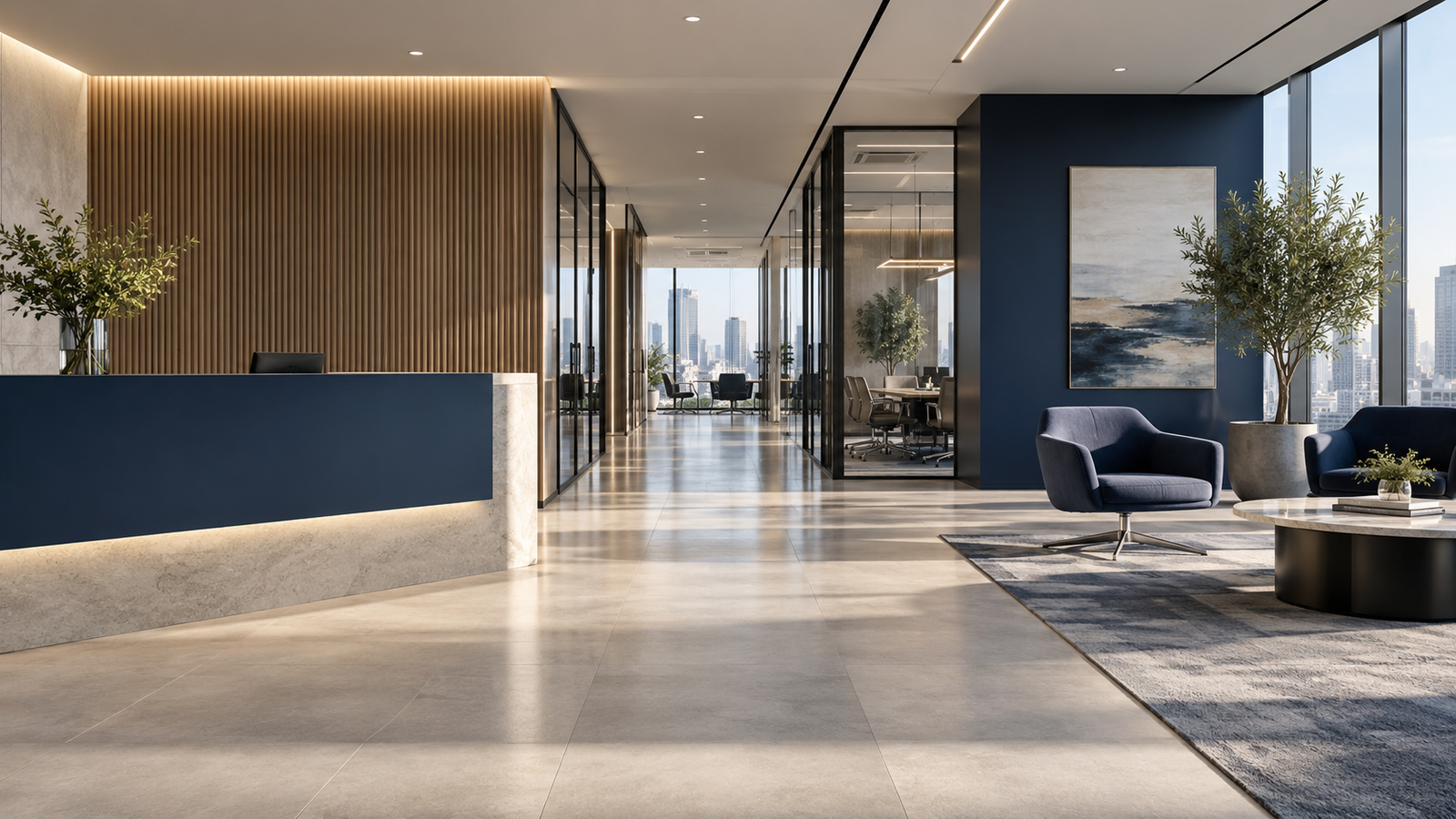
Office→
Connect reception, shared corridors and deliveries in one system.
Security for every business.
Practical support for your next installation or upgrade.
Corporate Purchasing
Plan product quantities, phased rollouts and purchasing requirements with our team.
Learn more →Consultation Request
Bring your floor plan and questions. Get help choosing coverage, cameras and recording.
Learn more →Business Upgrade Incentive
Share your existing equipment for verification and a tailored Stanklin upgrade offer.
Learn more →Non-Profit Program
Explore support for the shared spaces and facilities your organisation serves.
Learn more →Built around the
way you work.
Useful detail
Choose 2K, 3K or 4K output around the view and detail your installation needs.
Events with context
Cameras capture face, human and vehicle snapshots for the NVR to display alongside footage.
Room to plan
Choose 10-, 16- or 32-channel recorders and storage matched to your retention needs.
News & practical insights.
Six original guides to planning, choosing and getting more from your security system.
Before you choose cameras, plan the view.
A practical guide to entrances, blind spots and the detail your team needs.
Read guide →What 4K detail brings to a business recording.
Understand resolution, framing and the difference between a broad view and useful detail.
Read guide →From a camera event to a useful recording.
How face, human and vehicle snapshots help you find the right moment.
Read guide →Plan for the hours after closing.
Match infrared, warm light and camera placement to the way your site looks at night.
Read guide →Choose recording capacity around your business.
Channels and disk capacity are separate choices. Here is how to plan both.
Read guide →Upgrade your security with a clear starting point.
Record what you have, identify what is missing and plan the next system.
Read guide →Frequently asked questions
What is Stanklin for Business?
A starting point for planning cameras, recording and installation requirements around your business. Explore product categories, industry guidance and project support.
Which cameras suit my facility?
Choose by environment, distance and intended view. Indoor domes suit shared indoor spaces; outdoor-rated bullet cameras cover suitable external approaches. PTZ and panoramic cameras add different ways to view larger areas.
Where does intelligent detection happen?
Face, human and vehicle detection runs in the IP camera. The camera sends snapshots to the NVR for display. Face detection is not identity recognition.
Can I record continuously?
A compatible wired camera and NVR system can record continuously when configured with suitable storage, power and network connectivity. Retention depends on the recording settings and installed disks.
Can I upgrade an existing system?
Use the Business Upgrade Incentive page to share existing equipment photos and model details. The team verifies the equipment and prepares a suitable upgrade offer.
How do I choose NVR capacity?
Start with camera count, future expansion and retention requirements. Compare 10, 16 and 32 channels; the 32-channel range offers separate 2-SATA and 4-SATA models.
How do I get help with a project?
Open Consultation Request to prepare an email with your site type, areas of concern and existing equipment. A floor plan and photos can help the team assess the project.
Let’s plan your coverage.
Tell us about your building, the areas you want to see and your existing equipment.