
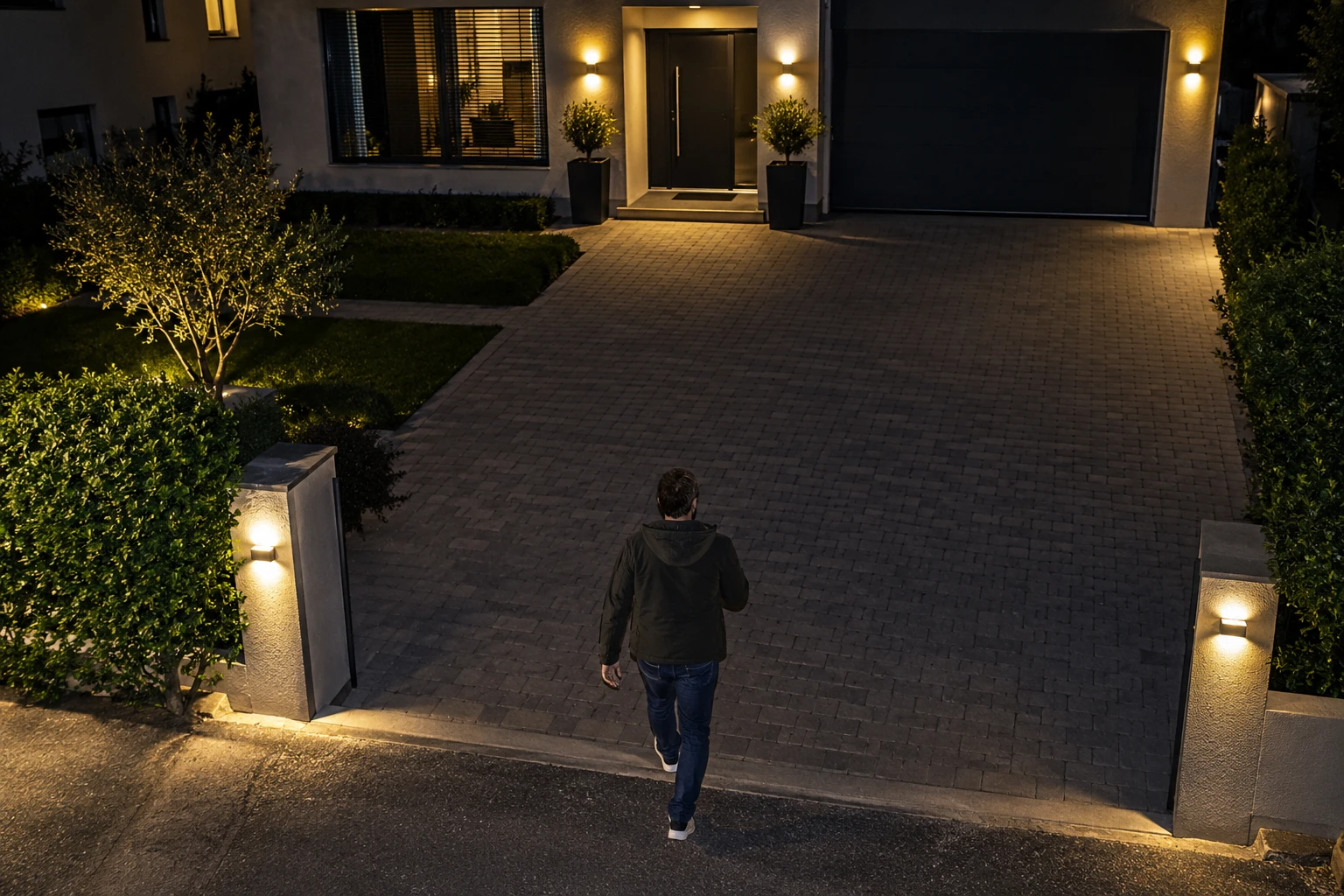
Line Crossing Alert
Draw a virtual line at a gate, doorway or access route. Receive an alarm when someone crosses it.
Record all 16 channels at up to 8MP 4K, 30 FPS per channel. Run face, human and vehicle AI together across every channel.
NVR-164K-H
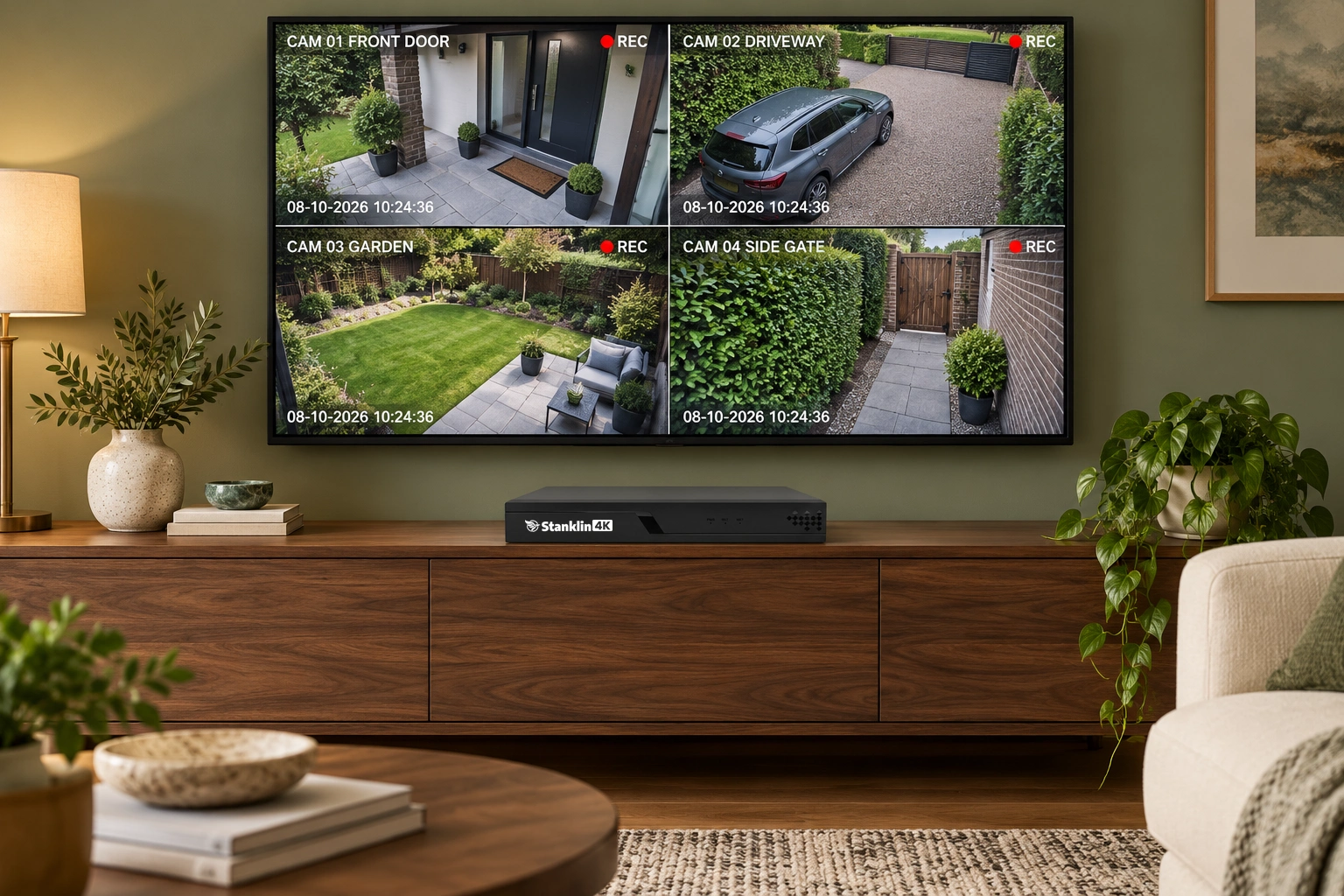
Face detection, human detection and vehicle detection work simultaneously across all 16 channels. Keep each type of event in view without switching one off to use another.
Every channel: up to 4K at 30 FPS + simultaneous AI
 PERSON + VEHICLE + FACE
Capture up to 8MP detail with smooth 30 FPS recording on every channel. Review faces, clothing and vehicle details, then zoom into the recording for a closer look.
Number-plate visibility depends on camera placement, distance, lighting and movement. Clear plate detail is not automatic plate recognition.

When someone enters, detected faces appear as snapshots with timestamps in a vertical panel on the right of your TV’s live view. See each capture while keeping the camera scene in sight.
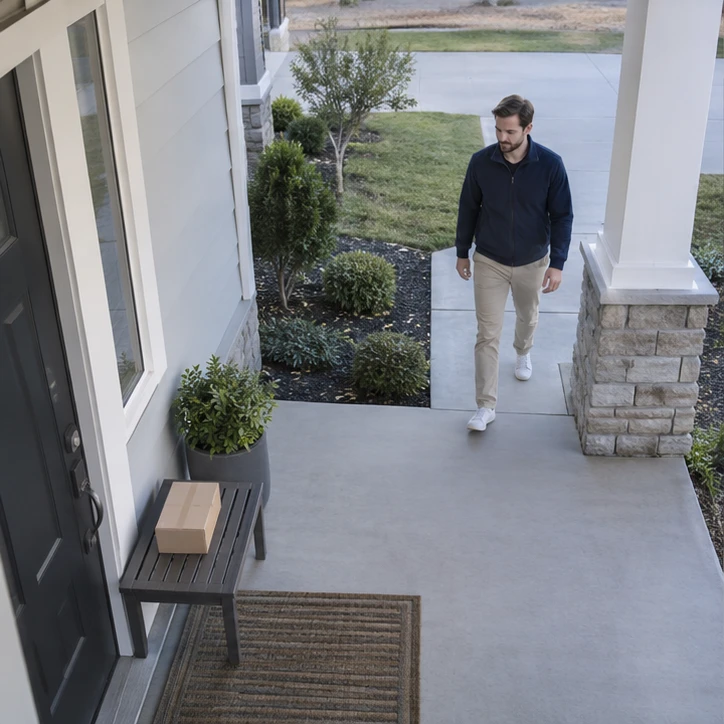 Select a face to play the event
Illustrative face-search playback demo
Select a captured face to open the related recording. Review what happened without dragging through hours of footage.
Try the face captures to see someone arriving, picking up a parcel and walking away.
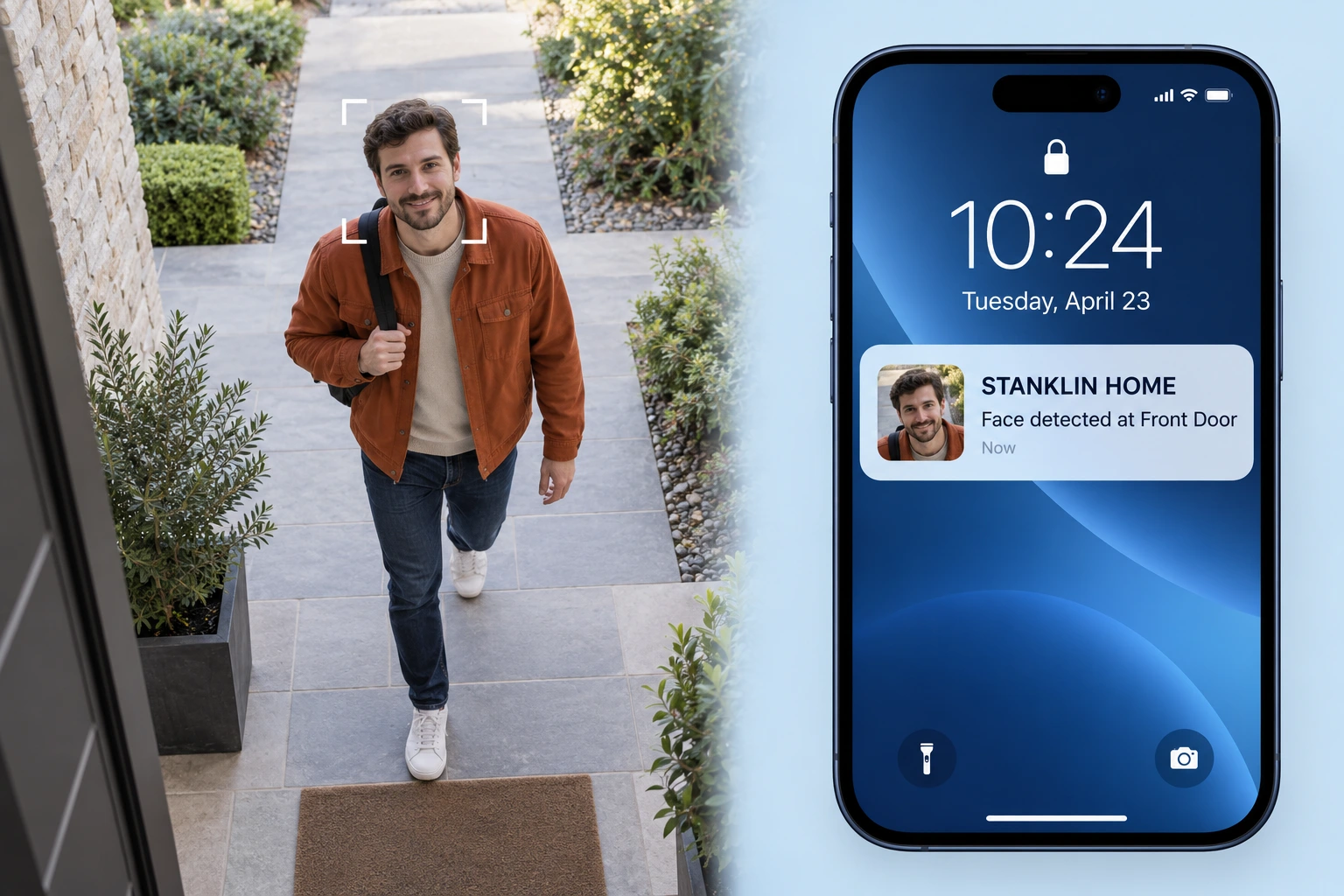
Receive an app notification when a face is detected at your entrance. See the captured face so you can quickly check who has arrived, wherever you are.
Illustrative notification. Requires an internet connection and notifications enabled.
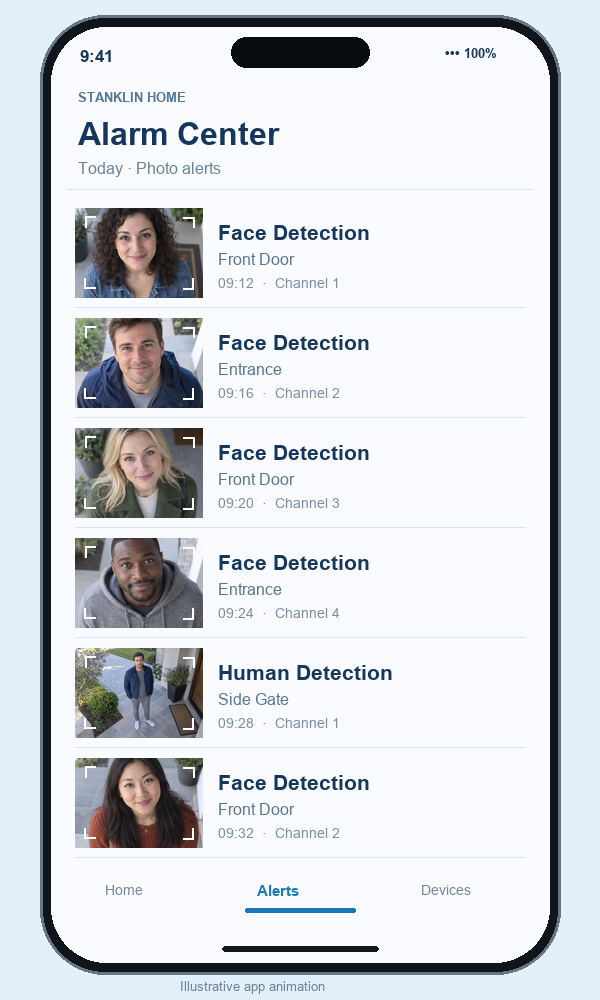
Away from home? Browse face, human and car detection alerts with photo previews and timestamps. Quickly check who came and went, without watching the whole day’s recording.
See the day’s detected activity at a glance, then open an event when you want a closer look.
Human detection marks a person’s arrival on the recording timeline. Find the timestamp, open the event and review what happened.
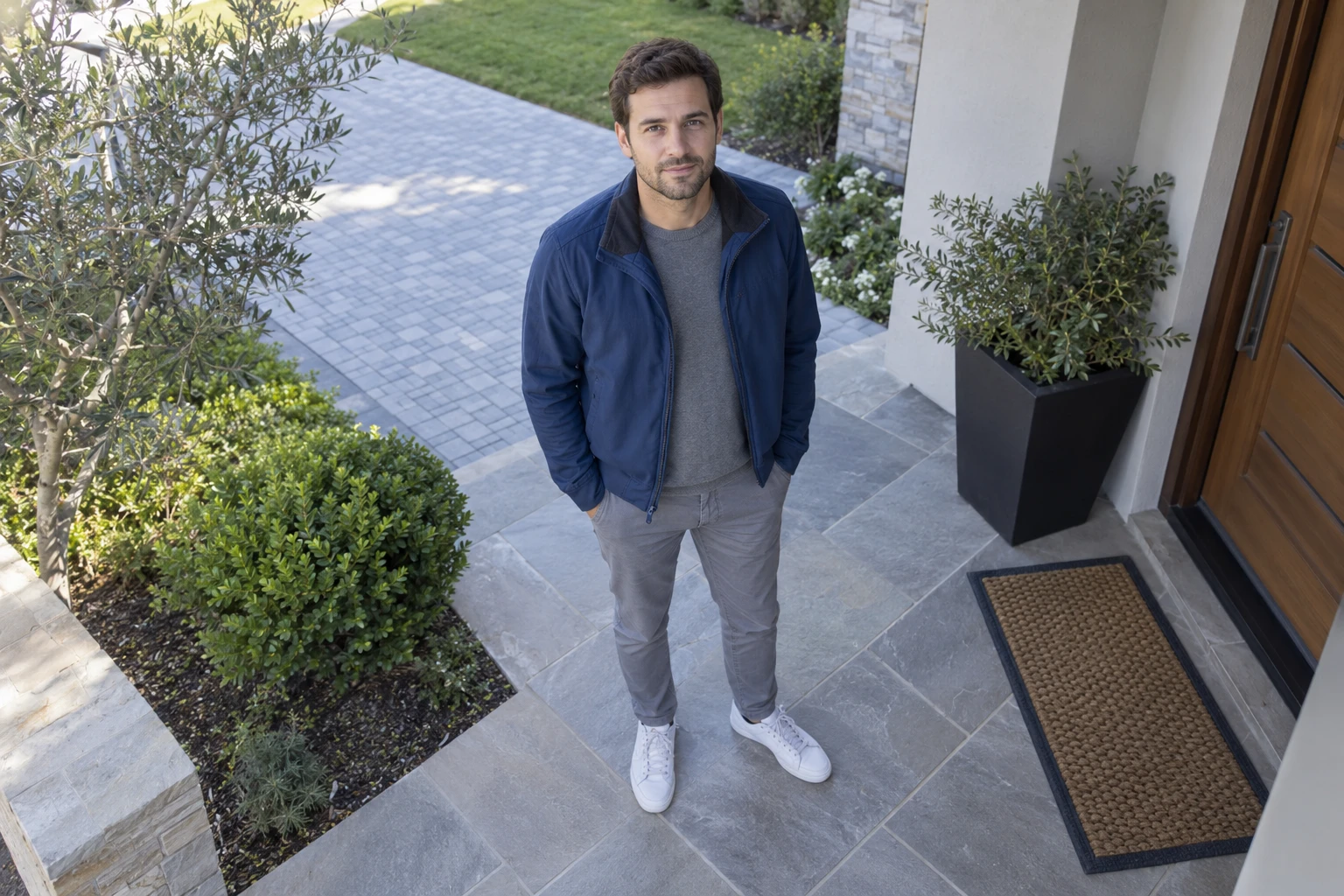 HUMAN DETECTED
Set a crossing line, protect a zone and stay aware when a camera’s view is blocked.
Draw a virtual line at a gate, doorway or access route. Receive an alarm when someone crosses it.
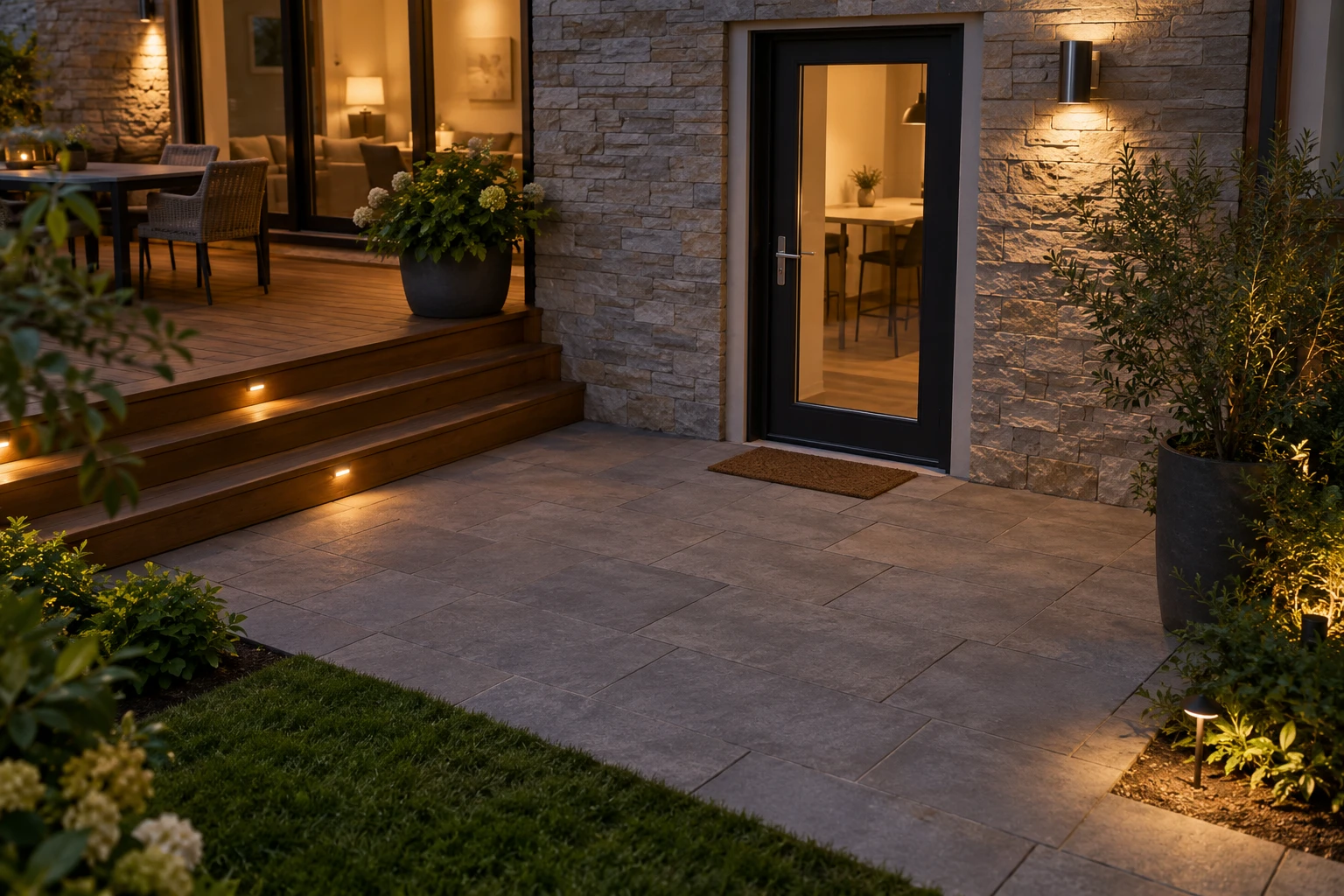
Mark the area you want to protect. Trigger an alarm when a person enters the defined boundary.
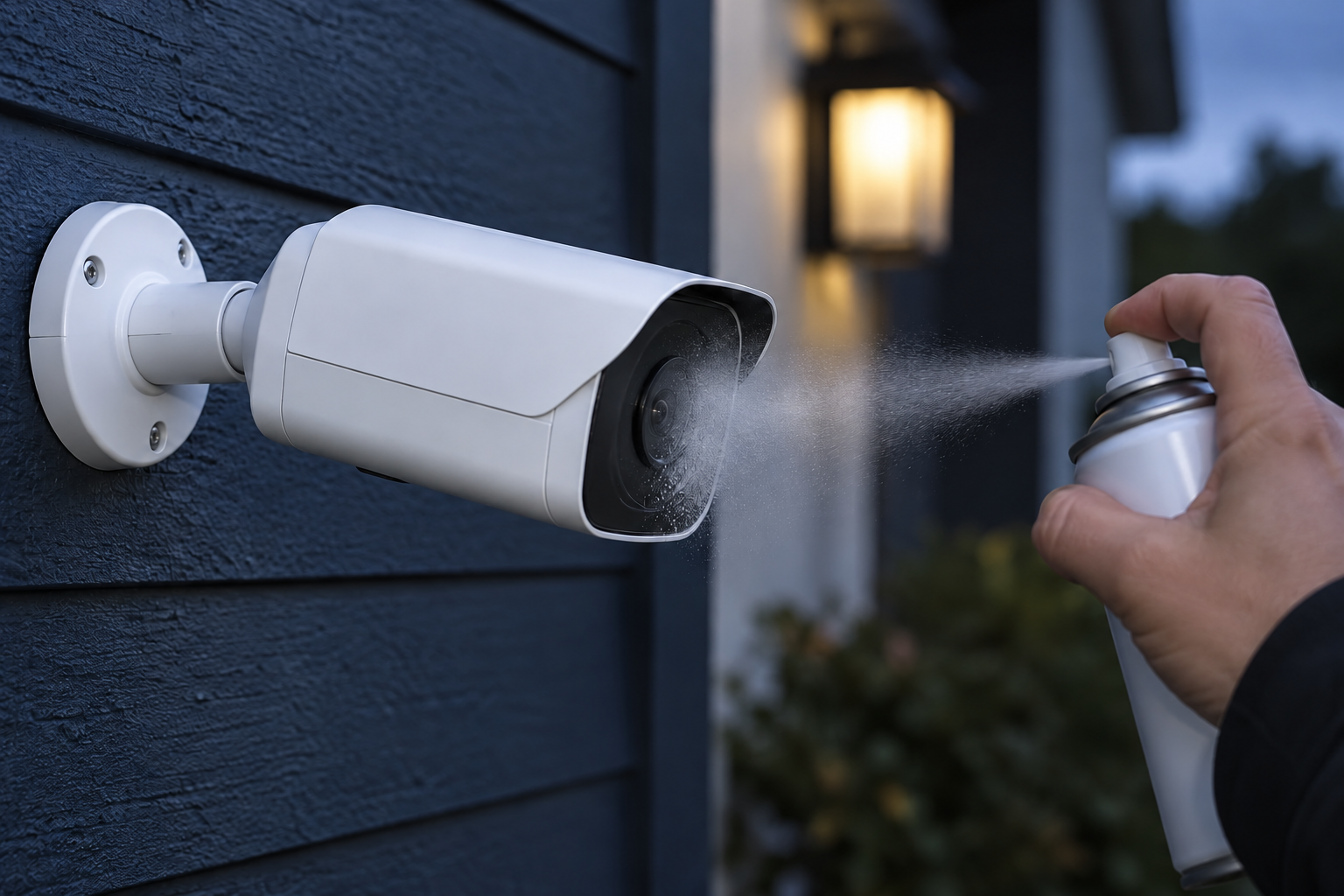
If a camera is covered, sprayed or obstructed, camera-blind detection can raise an alarm and notify the owner.
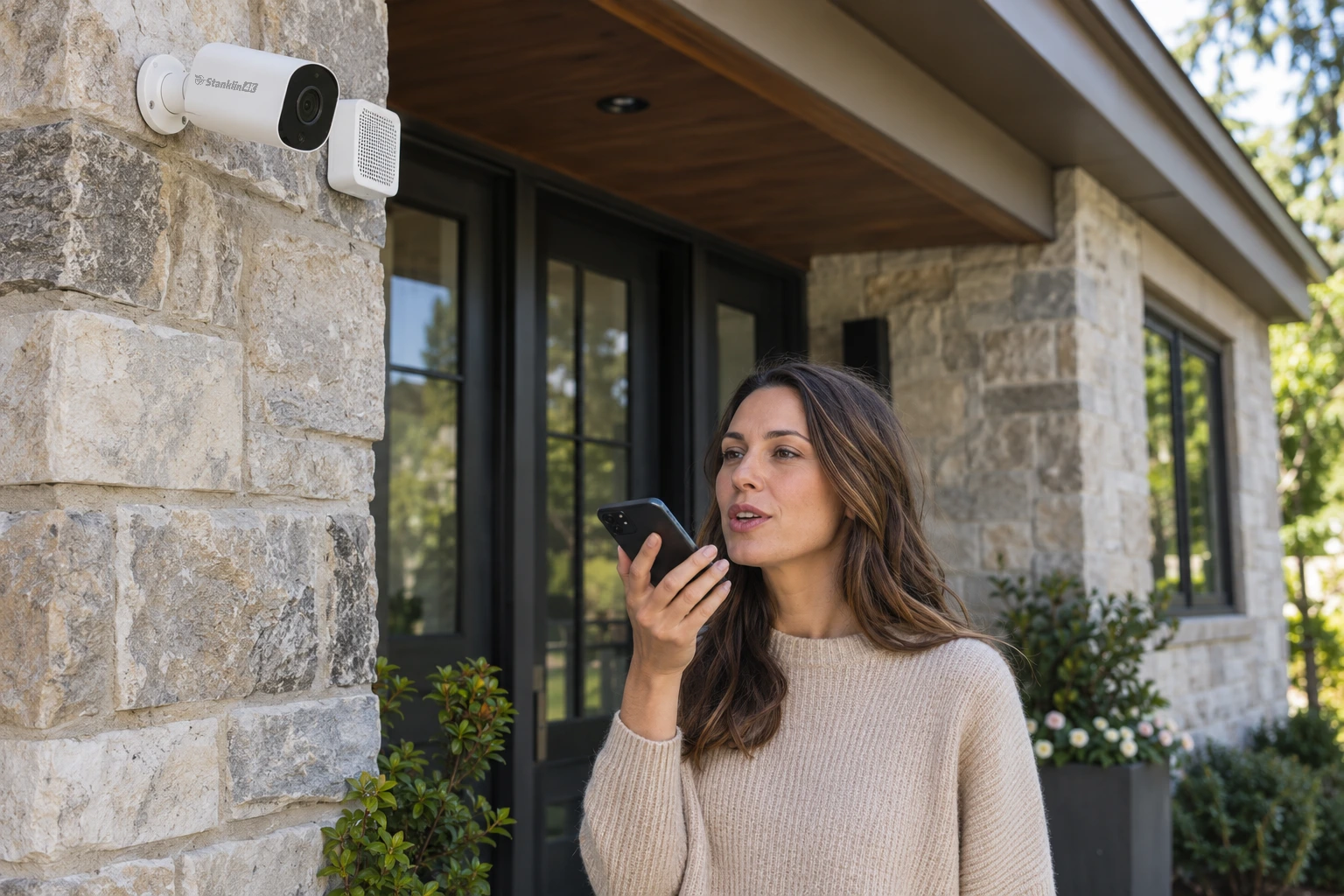
Record your own voice message or choose a preset siren. With compatible cameras, an external siren or speaker connected through the camera’s alarm output makes the warning heard when an event is detected.
Set your alarm schedule. Choose when the alarm is active—for example, every night from 11 pm to 5 am. Use your preferred time window for scheduled protection.
Alarm actions depend on the connected camera and system configuration.
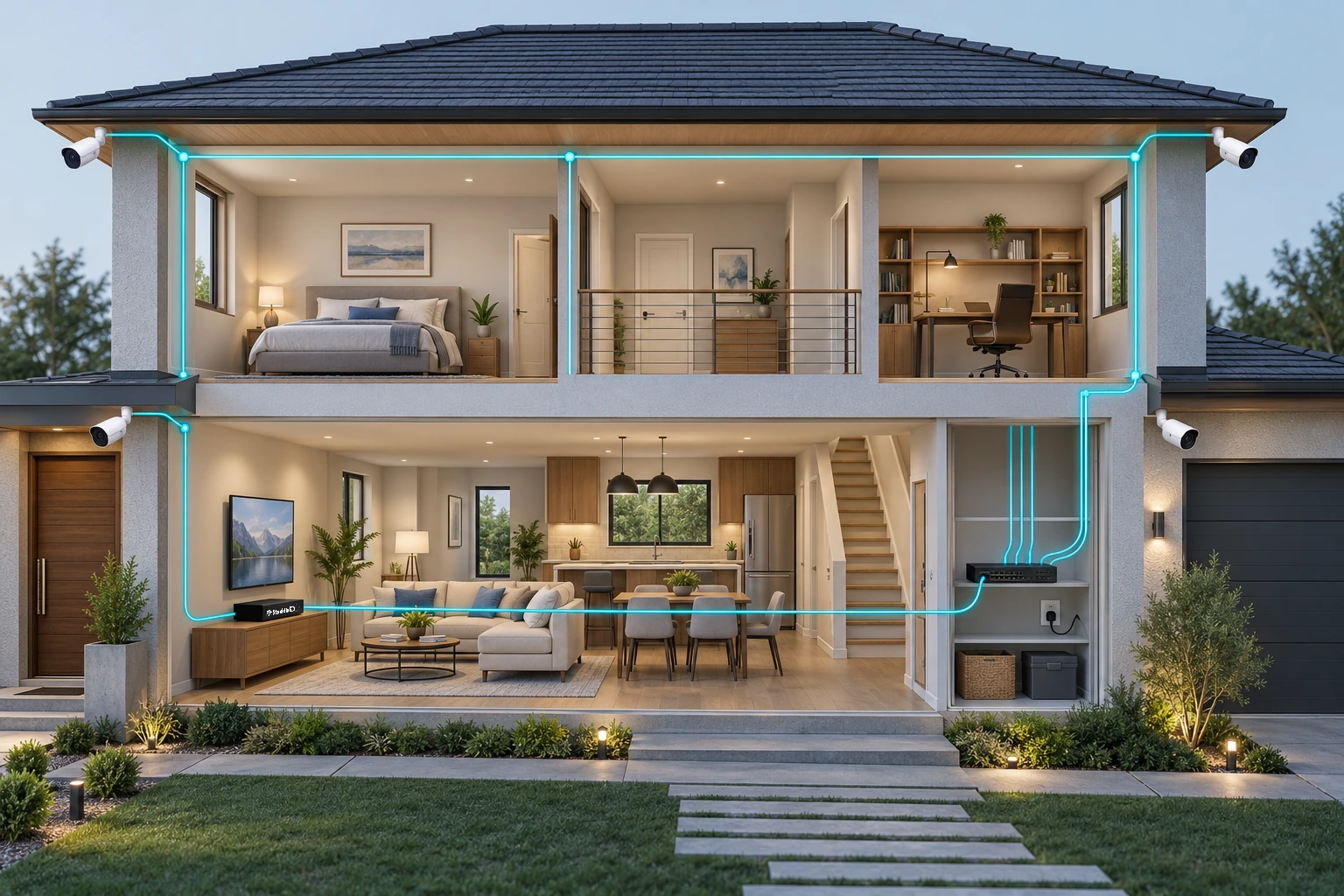
Compatible wired cameras receive power and send video through the same Ethernet cable. A separate powered network switch supplies the cameras and carries video to your Stanklin NVR.
Keep your camera connection independent of Wi-Fi signal strength, with a wired path for dependable recording.
Keep more footage with up to 14 TB per hard disk.
1 SATA × 14 TB
Hard drives depend on your selected configuration.
 14 TB
14 TBChoose your camera count and storage configuration. Keep the same full-channel recording and AI capabilities.
Yes. The NVR-164K-H supports up to 8MP / 4K recording at 30 FPS on every one of its 16 channels, using cameras that provide that resolution and frame rate.
Yes. All three features can operate simultaneously across all 16 channels. You do not need to choose just one detection type.
Face pop-up shows captured faces beside your live camera view. Face-search playback helps you open the recording linked to a selected face.
Yes. With compatible cameras and an external siren or speaker setup, you can use preset siren sounds or a recorded voice message. Ask our team to match the camera and alarm hardware to your installation.
Firmware V7.03.R11.7601.Nat.OnvifC.20230526 · 11.5 MB