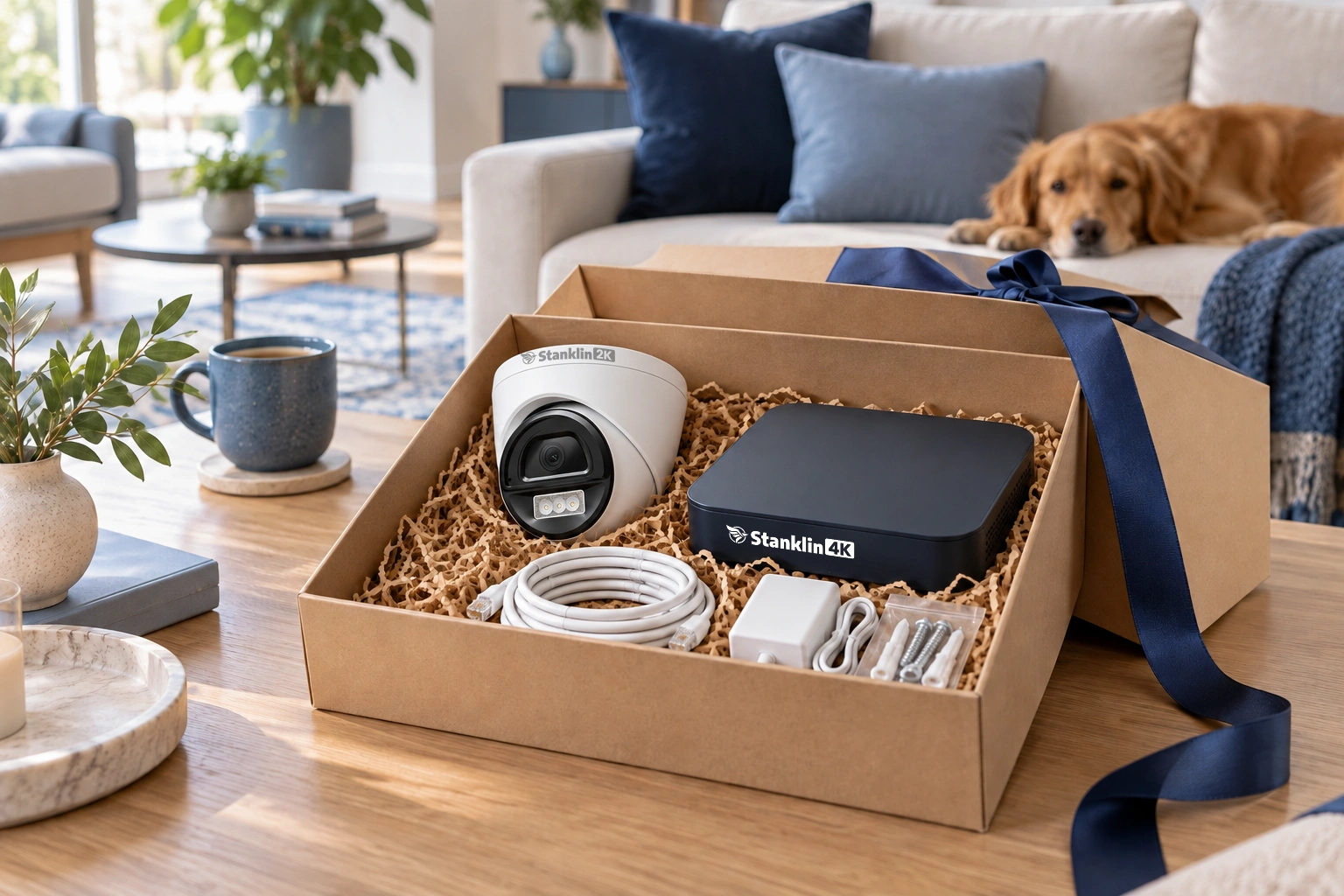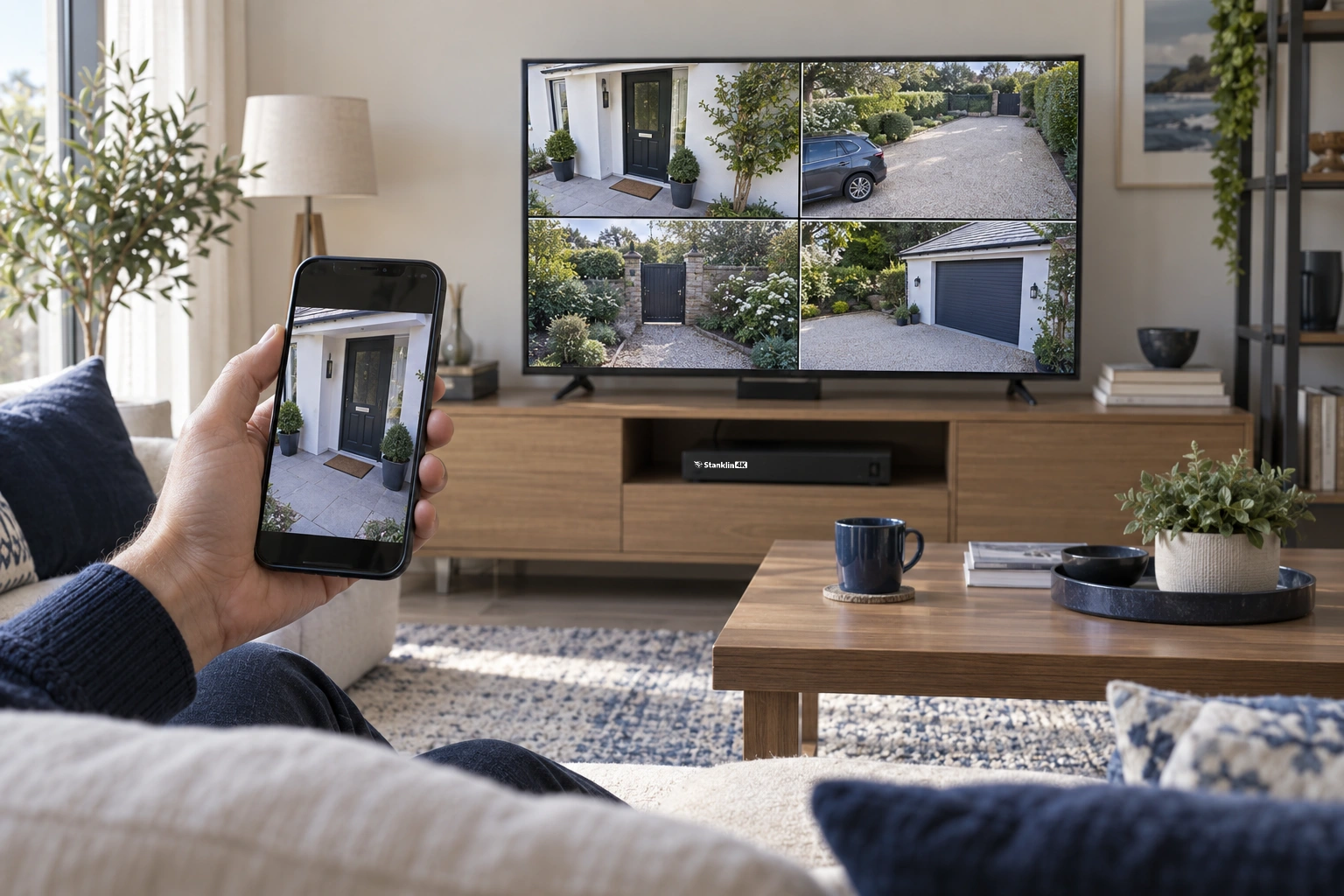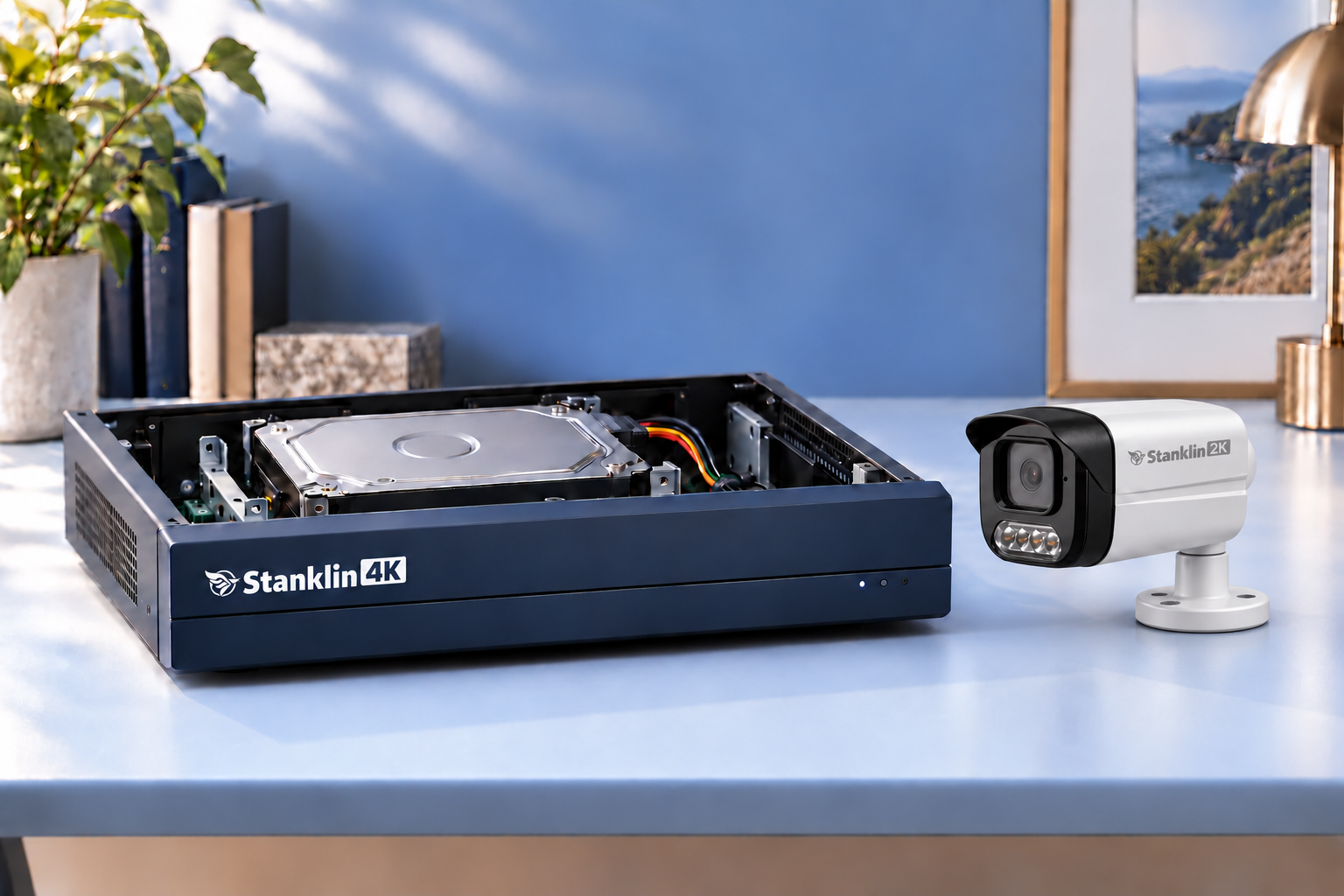
You should gain more than a different logo when you replace a security system. We bring together clear imaging, useful event snapshots, local recording and speaker-based interaction—so you can see an arrival, find a recording and respond to activity with fewer steps.
In this guide, we explain how our IP cameras and NVRs work together. Check the individual product specification for Wi-Fi cameras, specialist models and accessories.
Sony sensors: start with the image
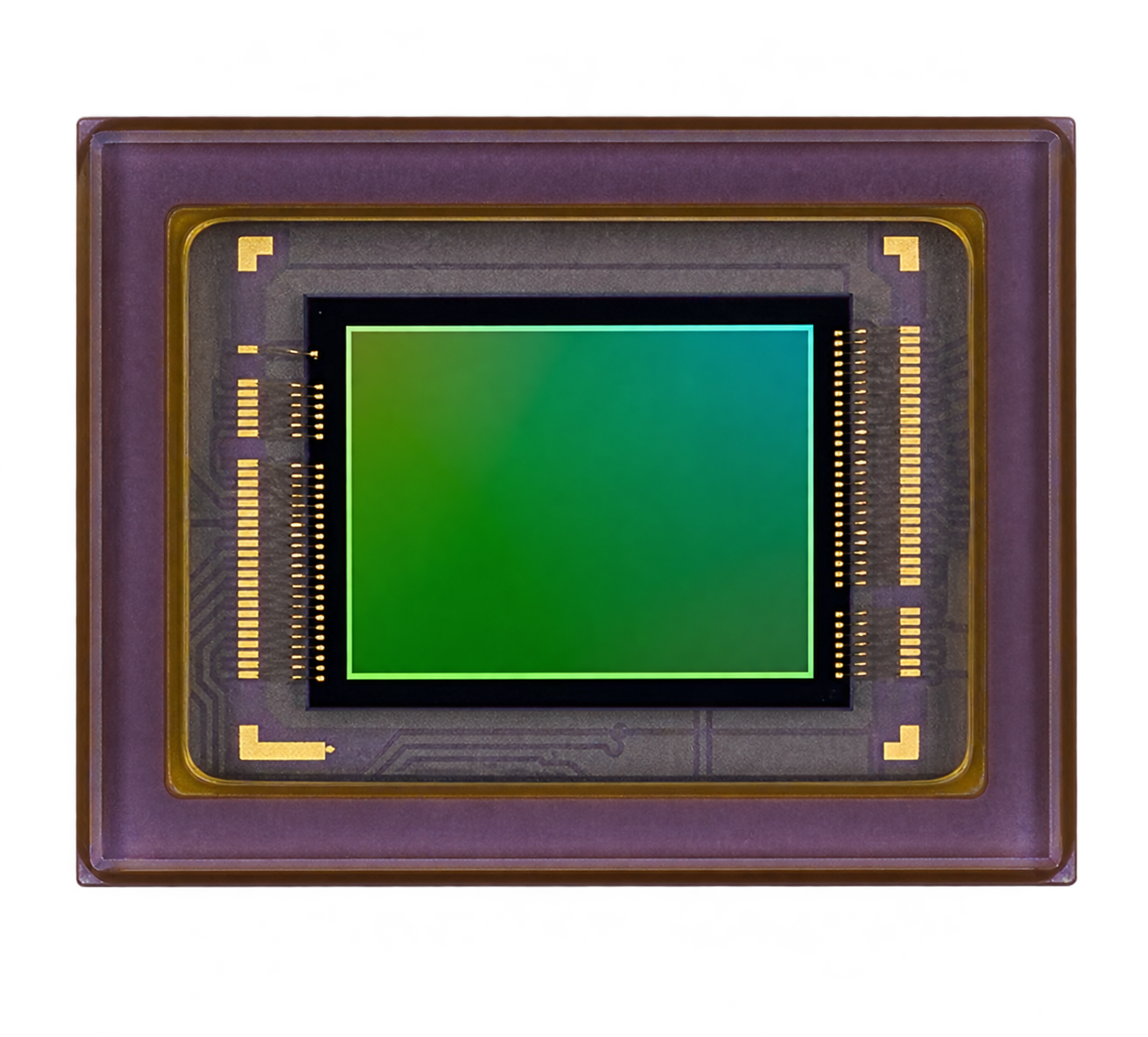
We use Sony image sensors across our camera range. Our 4MP and 6MP IP models use the Sony IMX335 STARVIS sensor, while our 8MP models use the Sony IMX415 STARVIS sensor. The sensor is a key part of capturing usable detail and colour in changing light.
We design our cameras for long-term use, with an expected product life of 5–10+ years.
A housing chosen for lasting installation
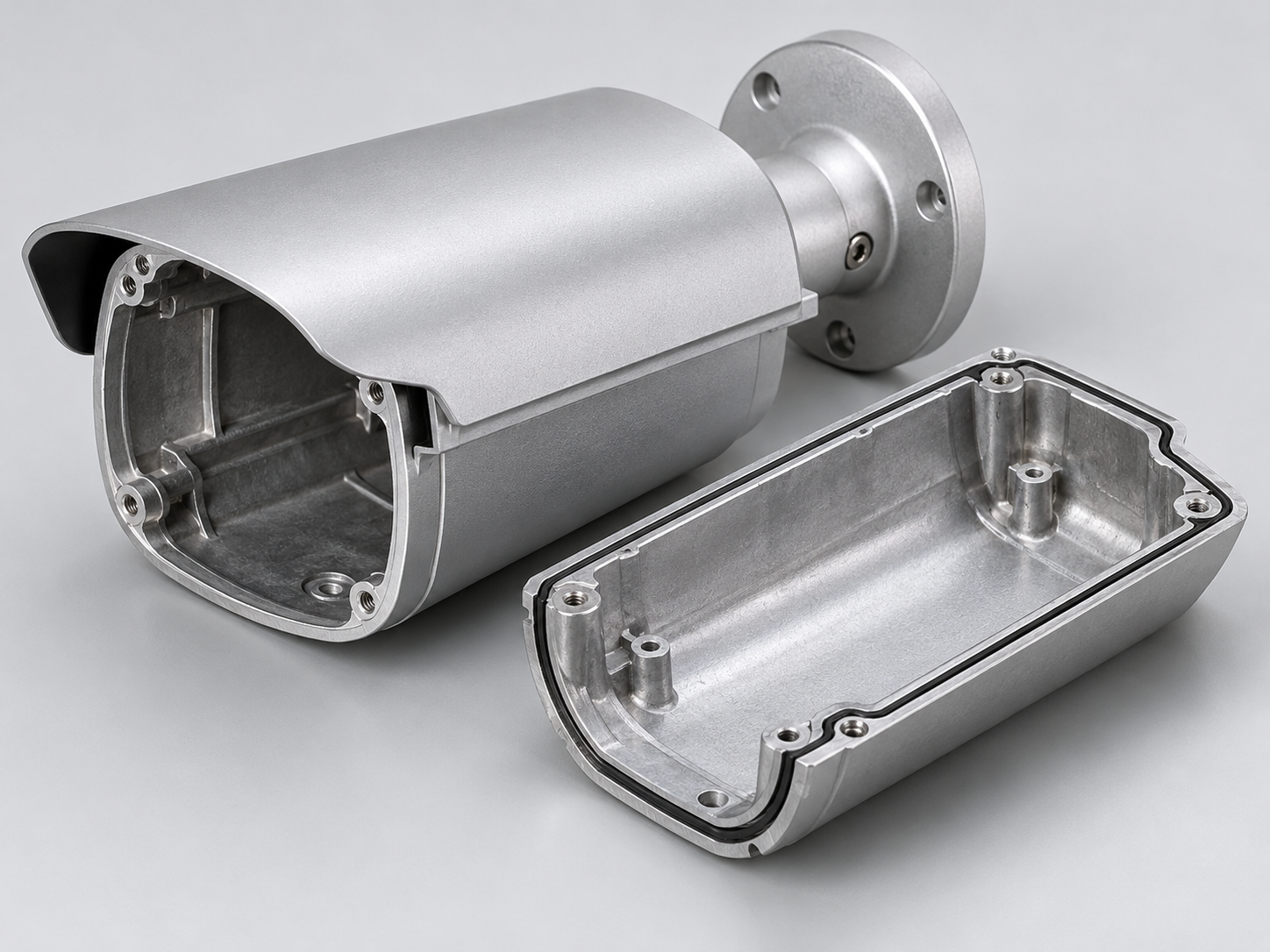
Our metal-bodied IP cameras offer a sturdy enclosure for a fixed installation. A sound housing, bracket and mounting surface help keep the intended view stable and reduce the need for avoidable adjustments.
Compare the exact enclosure material, mounting hardware and weather rating. Some plastic housings can become brittle under prolonged UV exposure.
One external speaker for conversation and alarms
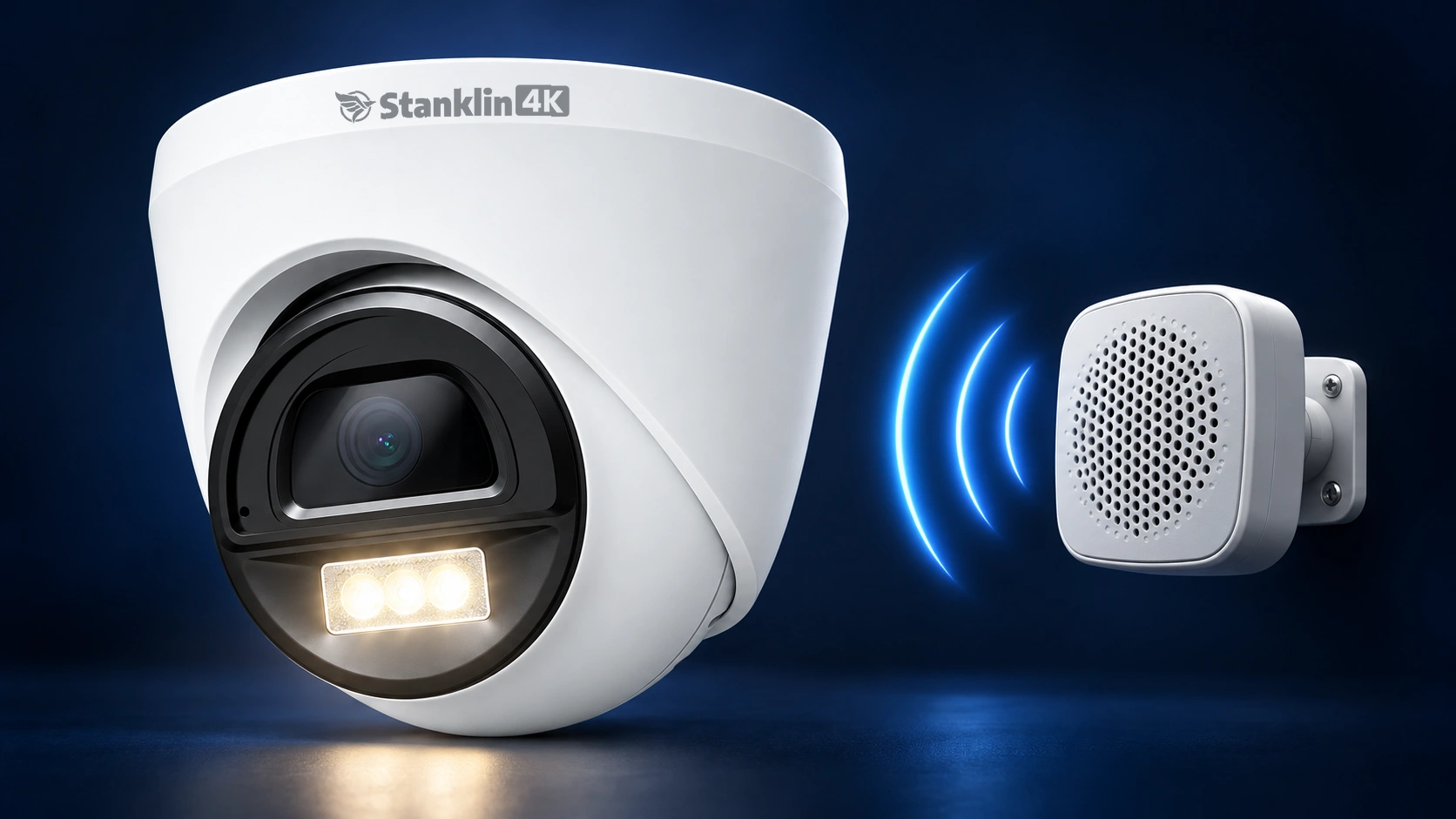
An external speaker output lets you choose a speaker suited to the property rather than relying only on a small built-in speaker. Our IP camera range includes models with a built-in amplifier to drive a compatible external loudspeaker. Confirm the output, impedance and power requirements for the chosen camera before connecting one.
Use the speaker to speak to a courier at the gate or ask a visitor where to leave a parcel. The same speaker can deliver an alarm or configured warning message. Our supported external-speaker setups can deliver up to 120 dB.
Face, human and vehicle detection together
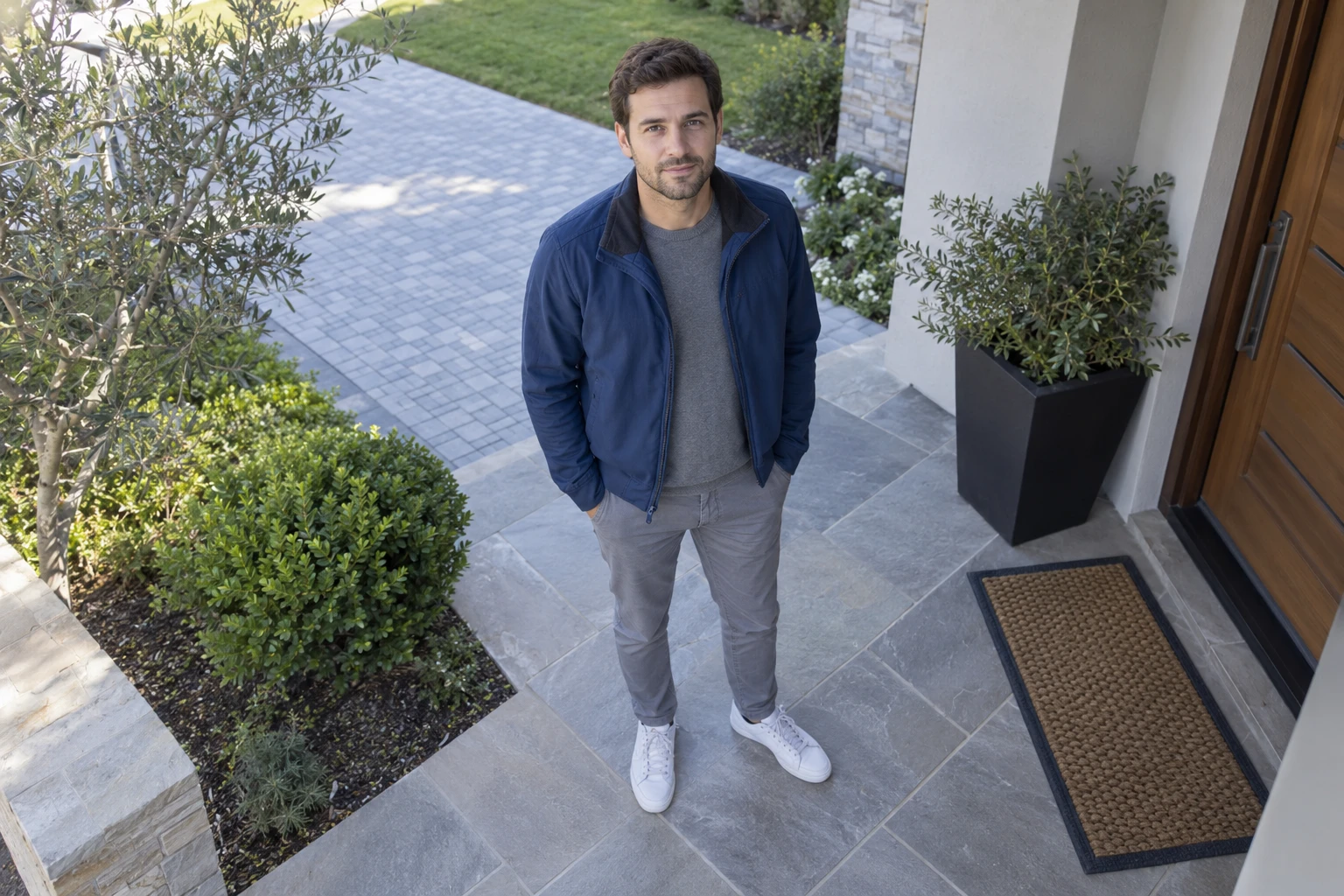
Our IP cameras process face, human and vehicle detection inside the camera and send event snapshots to the NVR. In our compatible camera and NVR systems, these functions operate simultaneously, so enabling face snapshots does not require giving up human or vehicle events.
Basic motion detection reacts to changes in the image, including moving branches, shadows or animals. Human detection is designed to distinguish a person from other movement and reduce unwanted alerts. Configure a human-triggered rule when people are the concern.
AI detection across every channel



Compatible cameras perform detection. The NVR displays and records events from all ten channels.
Our NVRs support face, human and vehicle events across all channels when connected to our compatible cameras. A 10-channel model supports those events from all 10 connected channels; the 16- and 32-channel models support their respective channel counts.
The camera performs detection; the recorder displays, stores and helps retrieve the associated events. When comparing systems, ask how many channels support each function at the same time, whether processing takes place in the camera or recorder, and whether turning one feature on disables another. Competitor capabilities vary by model and firmware.
See who arrived without zooming into the picture
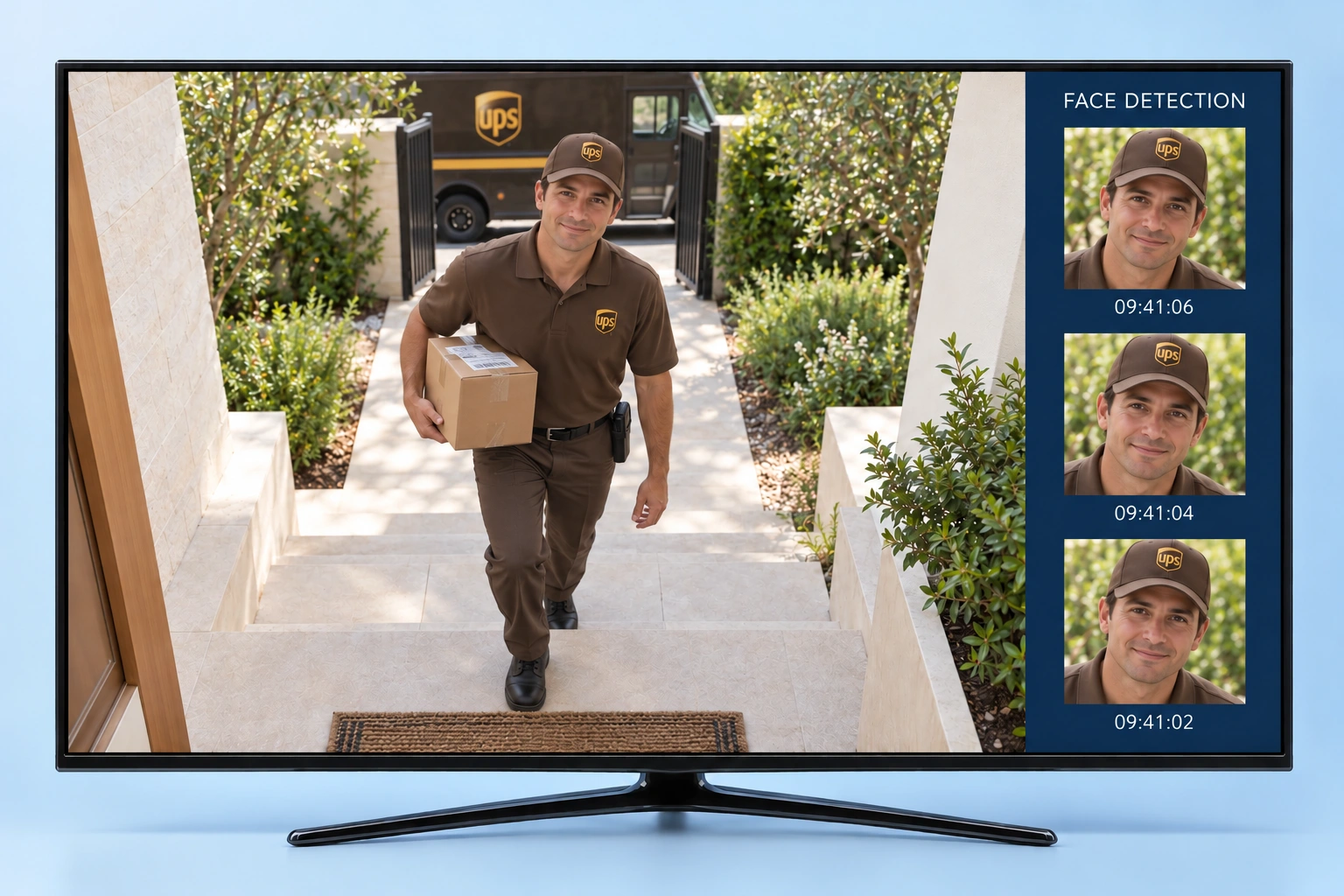
Our Face Pop-up feature presents camera-captured face snapshots beside the live view. Instead of searching a wide gate image and manually zooming in, family members can look at the arrival snapshot. This can make everyday viewing easier for older family members and anyone who prefers a straightforward display.
A quick playback system by clicking faces
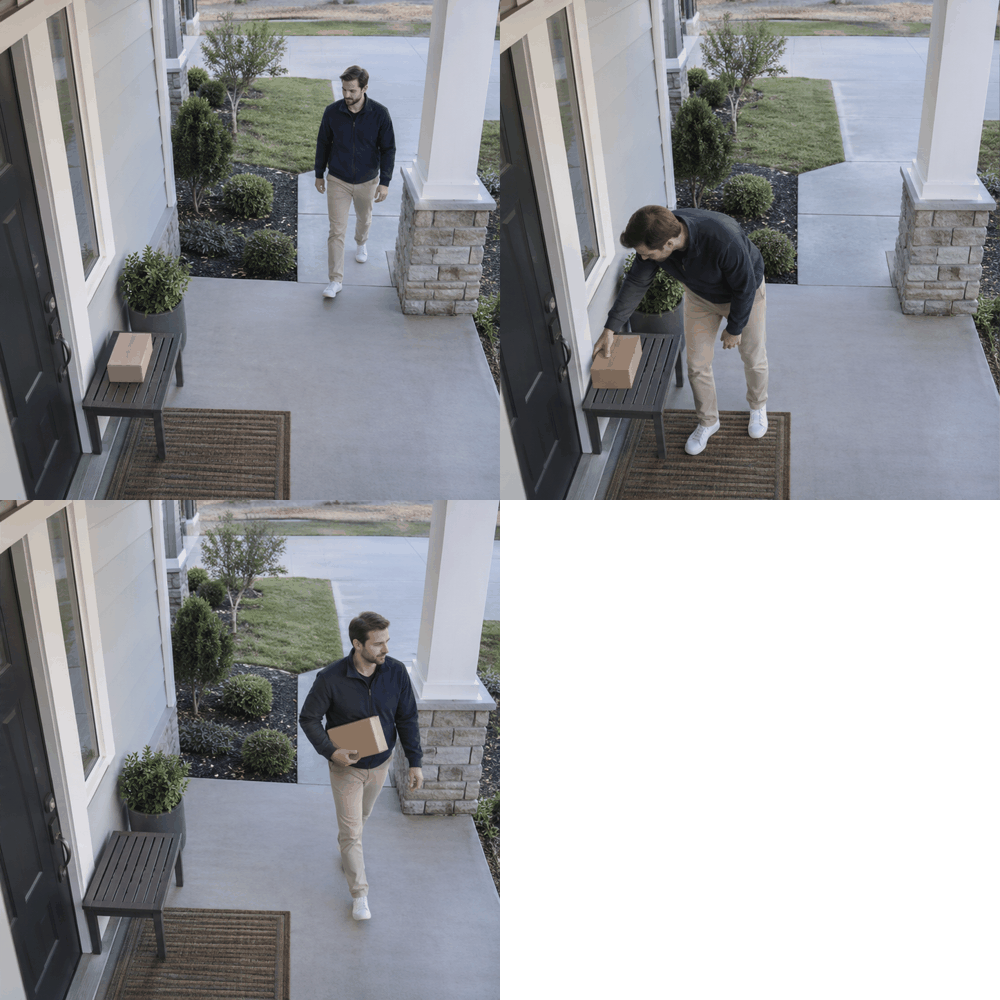
Imagine a parcel was delivered sometime between 5:00 am and noon. Reviewing seven hours of continuous footage can be slow. With our event snapshots, you can start with the people who appeared at the door.
- Select the camera and time window. Open the relevant event or face-snapshot search.
- Find the delivery. Look for the courier’s snapshot and open the associated recording.
- Review later arrivals. Select subsequent snapshots to jump to their linked video.
- Check the full context. Review what happened before and after the event, then save the relevant clip.
This can reduce manual searching considerably, and you won't waste time seeing the playback for hours and hours.
Respond while an event is happening
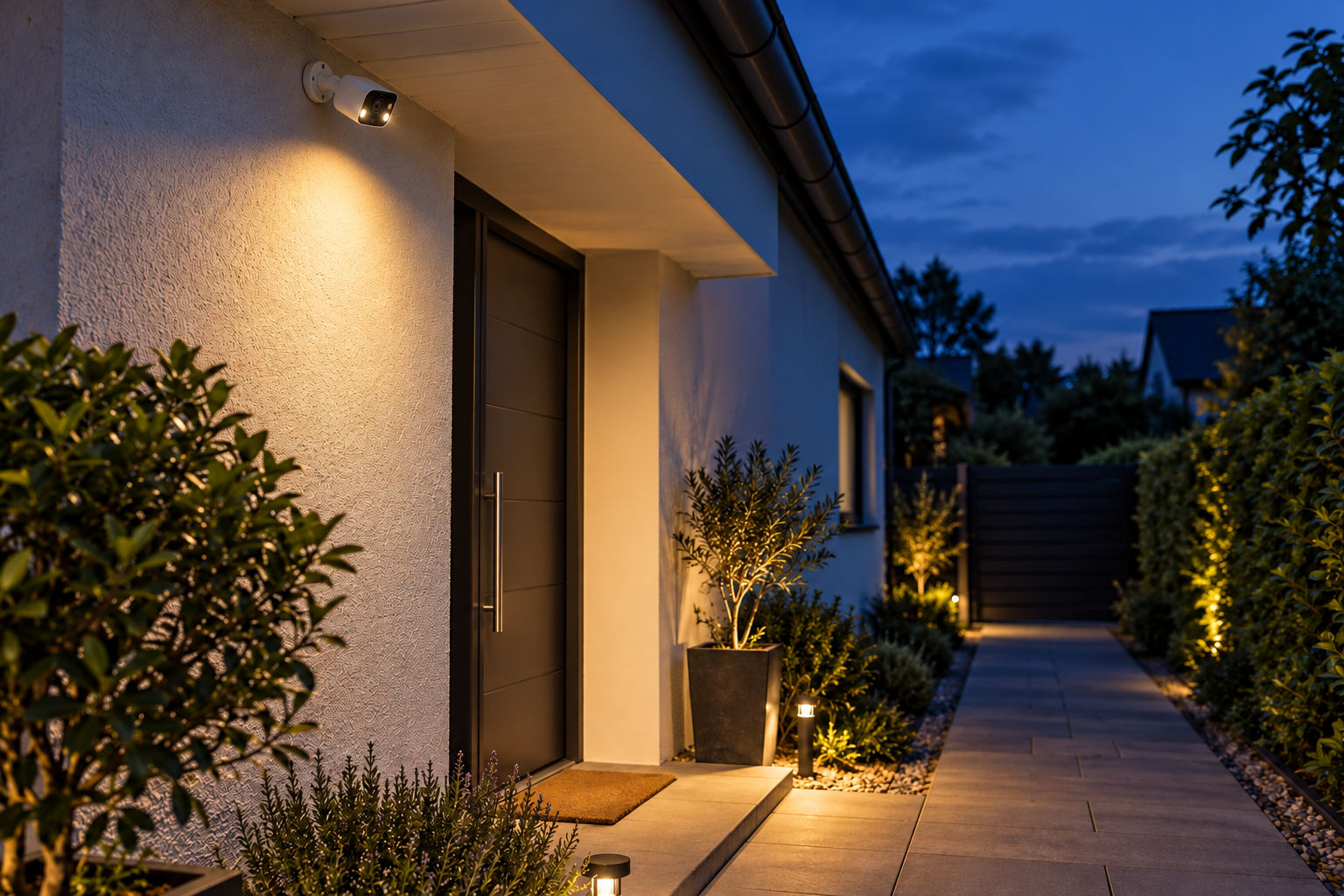
We combine recording with human-triggered warnings so you can review what happened and respond while someone is entering a monitored area.
- Mark the detection area, such as a private driveway or gate approach.
- Set the active hours—for example, overnight while the property is closed.
- Select the supported human-detection trigger and external-speaker warning.
- Test the rule on site and adjust the view, sensitivity and volume.
A warning can discourage an intruder and draw attention to an event. This is kind of a crime prevention solution.
Local recording and practical support
Our NVRs keep your footage on the hard drive installed inside the recorder, with local recording that does not depend on a cloud-recording subscription. Choose storage capacity around your camera count, recording settings and retention needs; confirm whether a hard drive is included in your selected package.
For a replacement installation, check existing cabling, power, camera compatibility and required features before reusing equipment. Basic video compatibility does not automatically mean that advanced detection and speaker functions will work across brands. We back our products with a default two-year warranty and support to help you get started.
Compare the complete system
We have brought the key features together below to help you compare your next system. Use it alongside the specifications of the exact models you are considering.
| What matters | Our Stanklin IP system | What to ask another supplier |
|---|---|---|
| Imaging | Sony IMX335 or IMX415 on the listed IP models. | Which sensor is fitted, and what performance is documented? |
| Housing | Metal-bodied options with model-specific indoor or outdoor ratings. | What material, weather rating and mounting hardware are supplied? |
| Audio and warnings | External-speaker output and amplification on supported models. | Can an external speaker provide both talk and event warnings? |
| Simultaneous AI | Face, human and vehicle detection together in compatible cameras. | Can all required detections run together? |
| Channel coverage | Events supported across all 10, 16 or 32 channels with compatible cameras. | What is the simultaneous AI channel limit? |
| Playback | Event snapshots link to associated recordings. | Can you search arrivals and jump directly to event video? |
| Recording | NVR hard-drive storage without a required cloud-recording subscription. | Where is footage stored, and which features require recurring fees? |
A strong choice for your next system
We build our IP systems around features that work together: Sony imaging, a suitable enclosure, simultaneous camera-based detection, full-channel event support, quick snapshot playback and external audio on supported models. Whether you are replacing an existing system or starting fresh, we can help you select cameras, recording and audio that fit the way you use your property.
Plan your replacement system with us → Share your current model numbers, the areas you want to cover and whether you need gate conversations, scheduled warnings or easier playback.